Ever wonder why some websites feel more like chatting with a buddy than sitting through a dull lecture?
Interactive media transforms a plain page into a lively space with bright visuals, fun clips, and clear sounds that guide you every step of the way.
It mixes smart design with cheerful elements that pull you right in, sparking genuine interest with every click.
In this post, we dive into how these interactive tools make a website feel warm and engaging, almost as if you're sharing a secret with a friend.
Shaping User Experience Through Interactive Media

Interactive media has a big job turning a plain website into a fun, lively spot. It uses cool stuff like animated marketing videos and product demos to grab your attention and make the site feel friendly and easy to use. Ever wonder what interactive media really is? Picture dynamic visuals and smooth transitions that help you understand even tough ideas quickly.
Interactive media mixes smart design with engaging elements so that the website feels more like a conversation than a boring page. By blending clear images, catchy sounds, and a layout that adjusts just for you, it makes finding info as easy as chatting with a friend.
Next, check out these essentials:
| Key Element | What It Does |
|---|---|
| Images and graphics | Set the mood and make a brand easy to spot |
| Video and animations | Break down big ideas into fun, bite-sized clips |
| 3D models and visualizations | Bring products and ideas to life so they feel real |
| Sound effects | Create a vibe that matches what you see |
| Background music | Add a layer of energy that keeps you engaged |
| Interactive UI components | Guide you smoothly with easy-to-use buttons and menus |
Each part adds its own little spark. Pictures give quick hints about what a brand is all about, while video and animation explain tricky ideas in a fun way. 3D visuals make ideas seem tangible, and sounds help set a mood that pulls you in emotionally. And with simple buttons and menus, everything becomes easier to find. It's like having a friendly guide on a journey through cool, digital experiences.
Key Multimedia Elements in Interactive Media UX
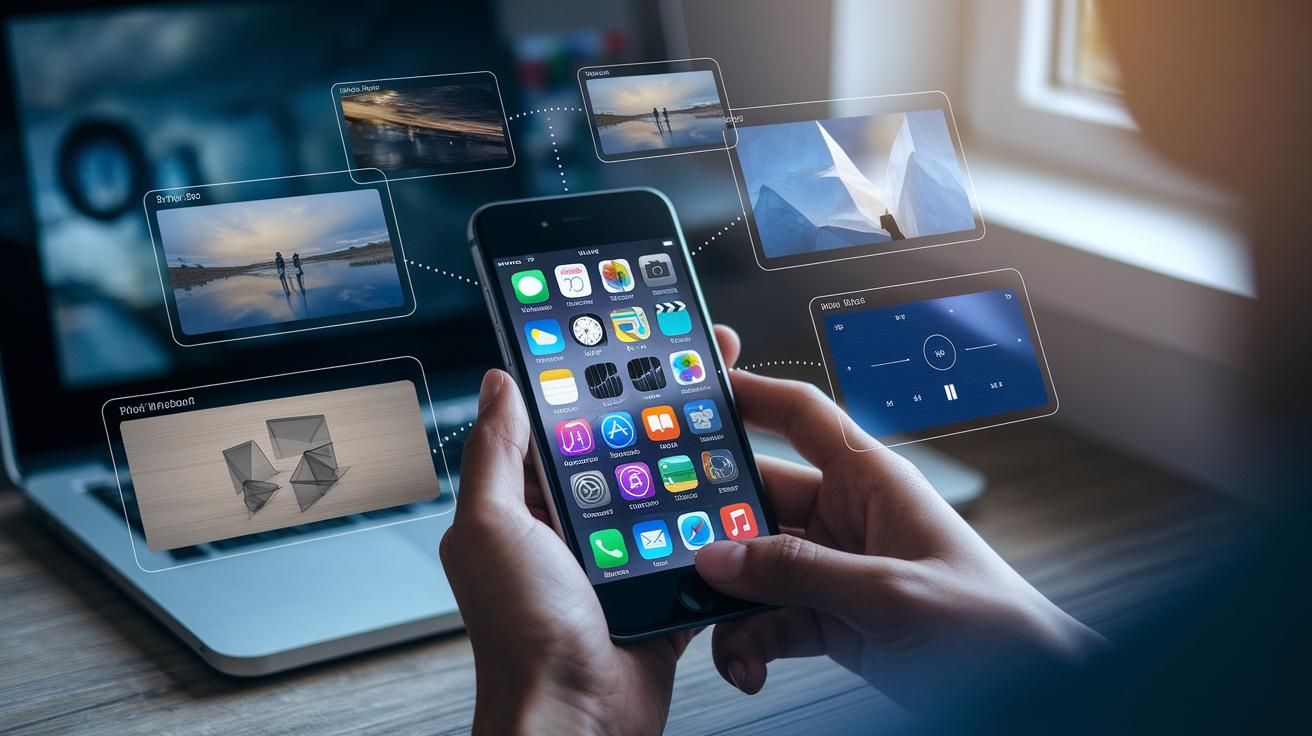
Interactive media brings together pictures, videos, 3D models, sound effects, music, and clickable buttons to create a fun, engaging experience. These parts help pull you in and give the brand a strong personality. Brands have seen that using interactive elements makes users click more and explore further. For instance, did you know that when users could rotate or zoom a product's 3D model, they stayed almost twice as long?
| Element | Role in UX |
|---|---|
| Images | Offers quick visual hints and reinforces the brand |
| Video | Tells stories and breaks down ideas clearly |
| 3D Models | Gives a detailed look at products |
| Sound Effects | Signals actions and grabs attention |
| Music | Sets the mood and pace to match what you’re feeling |
| Interactive UI Components | Lets you steer your own experience |
Mixing these elements creates an interface that not only informs you but also connects with your feelings. Simple visuals, lively sounds, and interactive buttons work together to make every click feel natural and exciting.
Designing Intuitive Interfaces for Interactive Media UX

Intuitive and quick interfaces are key to making interactive experiences fun. A good design gives clear hints that help you navigate easily. When the interface reacts right away when you tap or click, everything feels in sync. This approach cuts down on confusion and builds trust, so every move feels natural.
Micro-Animations and Hover Effects
Little motions, like tiny animations and simple hover effects, act as friendly nudges. They gently point out what you can tap on, almost like a wink. For instance, a button might get a bit bigger when you hover over it, letting you know it’s ready for action. These small, lively touches breathe life into the design without overwhelming you.
Scroll-Triggered and Gesture-Based Navigation
Cool scroll effects and swipe controls add a spark of excitement as you move through a page. As you scroll, elements may appear slowly or shift into place, making transitions smooth. Using gestures, like swiping to see more, brings a modern twist to how we traditionally navigate. Together, these features make the design feel like it’s following your lead, inviting you to dive right in.
Good design practices also mean keeping things consistent on desktops and mobile devices. A responsive layout that gives quick, clear feedback works no matter how you connect. This consistency makes the experience feel like home whether you tap with your finger or click with a mouse.
Research-Backed UX Evaluation in Interactive Media

When working on interactive media, having a clear checkup process is a must. Designers need a simple plan to see what clicks and what might need a bit of fixing. It’s a bit like checking every level in a game to make sure every twist and turn is fun and easy to play.
A good game plan means setting easy-to-follow goals and watching how users react to every little detail. Think of it like testing a new game level, each part is looked at closely to see if it adds to the fun and if it feels smooth to use. This way, any problems pop up early and every click feels just right.
A big part of this plan comes from quick reviews and hands-on tests with real people. Small group sessions act like mini live experiments where users show what grabs their eye and what just feels off. And their thoughts help come up with fast fixes and smarter designs, much like when a buddy points out a cool detail in a video clip.
It doesn’t stop there. Keeping things simple and reducing head-scratchers for users is the next step. By checking real-time data, designers spot where people might hesitate or get confused. This feedback makes it easier to tweak layouts and cues until every button and animation feels natural.
This way, the whole space comes to life with interfaces that feel friendly and make users feel right at home. Every part is fine-tuned to match what users need, keeping the experience both smooth and exciting.
And really, that’s what good design is all about, making everything simple, fun, and full of life. After all, when every click feels just right, you know you’re onto something great.
So, by sticking to a clear plan from the start and using real user reactions, designers can build interactive media that really engages. Have you ever noticed how a well-tuned game feels like it was made just for you? That’s the magic of a good UX evaluation.
Interactive Media Case Studies: User Experience Impact

Interactive media really lifts user engagement in a big way. A couple of years back, studies showed that cool interactive demos make people stay on a page longer and finish tasks with ease. For more details and fun examples, check out the interactive media case studies link.
Case Study 1 took a simple animated demo and turned it into a lively tour of a brand's features. The smooth animations led users through key benefits with a friendly nudge, boosting engagement by 35%. It’s like someone saying, “Hey, come take a look!”
Case Study 2 featured an interactive tutorial that broke down tough topics into clear, easy steps. This hands-on guide made learning fun and cut down confusion, which led to a 25% drop in support questions. When things are explained step by step, it really feels like everything just clicks.
Case Study 3 introduced a 3D storytelling module where users could explore digital scenes from all angles. This mini digital world got people to stick around 50% longer. Imagine stepping into a story that feels personal, like you’re part of the adventure.
All these case studies show one thing: using clear instructions, engaging visuals, and thoughtful design keeps users exploring. These ideas form the heart of great digital experiences and smart ways to understand what users love.
Emerging Interactive Media Trends for Enhanced User Experience

Augmented reality and virtual reality are changing the way we dive into digital spaces. Mixed reality tools blend digital images with the real world, letting you interact in a way that feels natural and fun. These tech advances are not just cool to look at, they also make digital navigation feel like second nature.
Designers are playing with new ideas like sensor-based controls that pick up your hand movements and smart layouts that shift as you explore content. Imagine your screen rearranging itself as you engage with it, it’s like your favorite app knowing exactly what you need. Plus, smart systems now adjust what you see based on your tastes, making each visit personal and engaging.
It’s all about building a deeper connection with what you see on screen. Users are noticing that these interactive touches bring a sense of warmth and personal feel to digital spaces. Soon, we might see all these ideas coming together in experiences that truly match your style and needs. The future of digital interaction looks bright and very exciting indeed.
Final Words
In the action, interactive media turns static pages into lively experiences using animations, responsive UI components, and smart feedback. The post highlighted everything from core multimedia elements to real world case studies and emerging trends. We saw how these features make the user experience more engaging and intuitive. The blend of visuals, sound, and interactive design keeps entertainment exciting and fresh. Enjoy the magic of creative digital shows and interactive media.
FAQ
What are interactive media and user experience jobs?
Interactive media and user experience jobs combine design and tech skills to create digital spaces that feel alive. They often involve producing engaging interfaces, conducting user research, and crafting interactive elements.
What does an interactive media and user experience degree entail?
An interactive media and user experience degree teaches creative design and technical skills. It covers topics like user research, interactive design, and responsive layouts to build engaging digital experiences.
What are the three types of interactive media?
Interactive media appears in animated marketing videos, interactive product demos, and dynamic user interface components, all of which bring static content to life through engaging digital interactivity.
What is user experience design in interactive media?
User experience design in interactive media involves crafting smooth digital spaces that use visuals and interaction to help users absorb information quickly and enjoy the content.
What constitutes interactive user experience?
Interactive user experience means digital interfaces that react to user actions. It uses elements like animations, interactive demos, and responsive layouts to effectively guide and engage users.
What are the five levels of user experience?
The five levels of user experience include strategic, scope, structure, skeleton, and surface levels. Each stage builds on the last, ensuring digital systems are both usable and attractive.
What options exist for UX studies and graduate programs?
UX studies and graduate programs offer courses in interface design, user research, and interactive media. Programs such as those at Drexel and Westphal College equip students with practical, creative skills for digital design.
What does a UX major cover?
A UX major covers a blend of design, psychology, and tech skills. It teaches students how to create clear and engaging interfaces that respond well to user needs.
What is Drexel User Experience and Interaction Design?
Drexel’s User Experience and Interaction Design program teaches design basics alongside hands-on technical skills, blending creative ideas with problem-solving to build intuitive digital systems.
What is Westphal College of Media Arts & Design?
Westphal College of Media Arts & Design offers programs that combine creative media techniques with digital design, preparing students for careers in interactive media and user experience.
