Ever wonder if a card game can put a smile on your face? Microsoft Solitaire Collection feels like discovering an old favorite tune on your record player. Every card flip brings a little spark of joy, almost like finding a hidden smile. This game mixes a warm, old-school vibe with modern fun, making it simple to relax anytime, anywhere. Curious how to jump in and enjoy endless moments of fun? Keep reading to see how this timeless game turns a simple play into a delightful escape.
Getting Started with Microsoft Games Solitaire

Microsoft Solitaire Collection is a fun digital card game you can enjoy on lots of devices. You can grab it from the Microsoft Store or play it in your web browser on your computer, tablet, or phone. Think of it like finding a hidden gem when you search "Solitaire" in the store, it's like looking for that old favorite record you loved.
First, follow these easy steps:
- Open the Microsoft Store on your device.
- Type "Solitaire" into the search bar.
- Choose Microsoft Solitaire Collection from the list.
- Hit Install to download it.
- Open the game and dive into five cool versions: Klondike, FreeCell, Spider, Pyramid, and TriPeaks.
Once you’ve installed the game, sign in with your Microsoft account. This simple move syncs your progress across devices, just like updating your favorite playlist so you never miss a beat. Fun fact: before it charmed millions, Solitaire was a basic card game hiding in early operating systems. Cool, right?
Now that you’re all set up, get ready to enjoy endless moments of fun every time you play Microsoft Solitaire Collection.
Exploring Classic Variants in Microsoft Games Solitaire
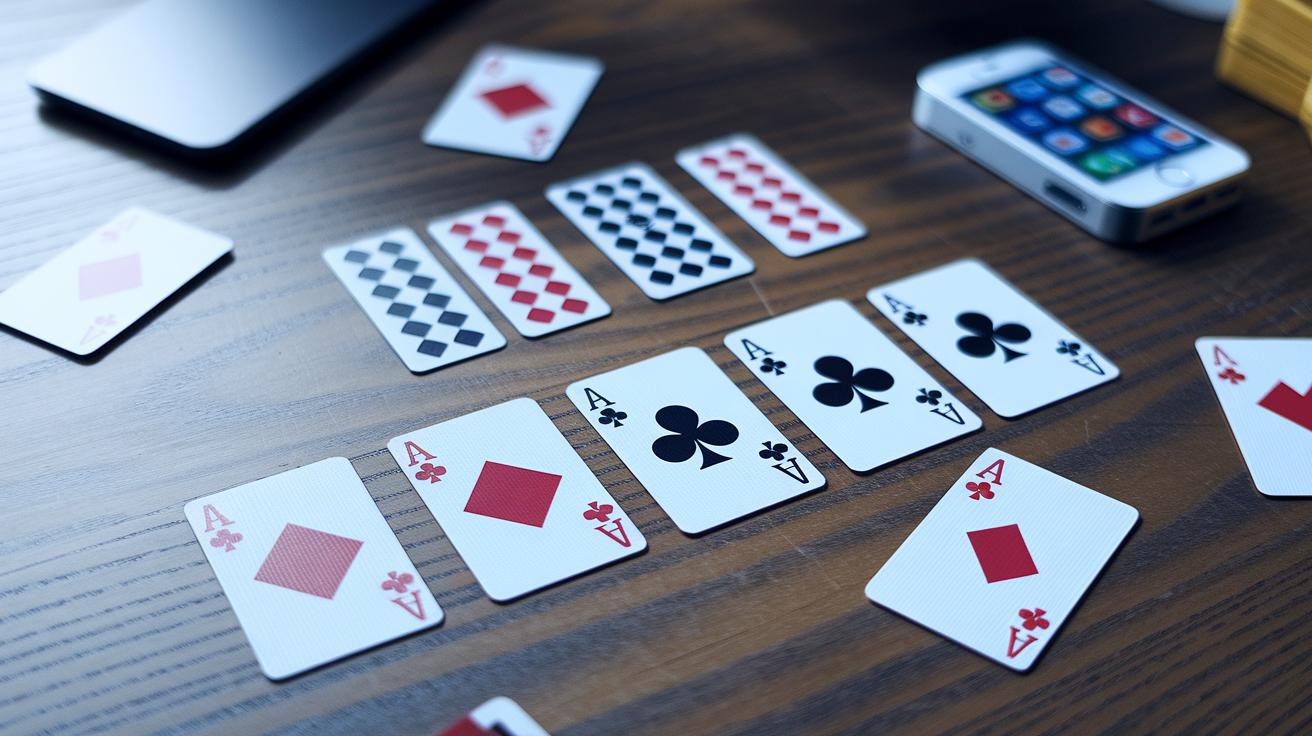
Get ready to dive into a cool mix of card games all in one neat deck. Each game brings its own twist with easy rules that let you play your way. Whether you like fast moves or prefer a thoughtful plan, there's a fun challenge waiting for you.
Klondike
In Klondike, you get to choose how you draw your cards. You can pick one card at a time or go for three at once. Plus, you can decide between Vegas scoring and the usual way of scoring. If you like taking it slow, grab one card and enjoy uncovering hidden gems as you build your cards.
FreeCell
FreeCell lets you see all your cards right from the start. With unlimited moves and special free spots (cells) to hold cards for a bit, you get plenty of room to plan your next move. It’s a game that really tests your smart planning, and you can adjust the challenge to match your style.
Spider
Spider offers two different modes: two-suit and four-suit. That choice changes how you handle your tactics. You work on moving groups of cards to rearrange columns, which feels a bit like solving a puzzle. It’s a fun way to mix up your strategy and build smart chains.
Pyramid
In Pyramid, your goal is to match pairs of cards that add up to 13. The game layers overlap in a way that keeps you alert and thinking fast. How you clear the pyramid and choose which cards to remove really affects your score, making every move count.
TriPeaks
TriPeaks sets you the challenge of clearing three overlapping peaks of cards. You pick cards that are one rank higher or lower than the card you see. Keeping the right order in removing cards is key to staying in the flow of the game. A careful choice can turn the play into a fun, engaging card puzzle.
Mastering Microsoft Games Solitaire: Rules and Strategy Tips

Microsoft Games Solitaire is all about knowing the rules and making smart moves. Whether you're playing Klondike with a one-card or three-card draw, saving cells in FreeCell for tricky moves, sorting Spider by suit, or clearing low cards first in Pyramid and TriPeaks, every choice matters. Today, the game mixes the basic rules with fun extra challenges like daily tasks and Star Club rewards. Imagine this: you pull a card that gives you extra stars to unlock cool challenge packs. That one move can really turn things around.
Keep your game smooth by blending these tricks with your regular play. When you combine strategies, it helps you stay focused and easily switch between game types. Stick to sharp flips, quick decisions, and smart use of bonus rewards to boost your high scores.
Navigating Daily Challenges in Microsoft Games Solitaire
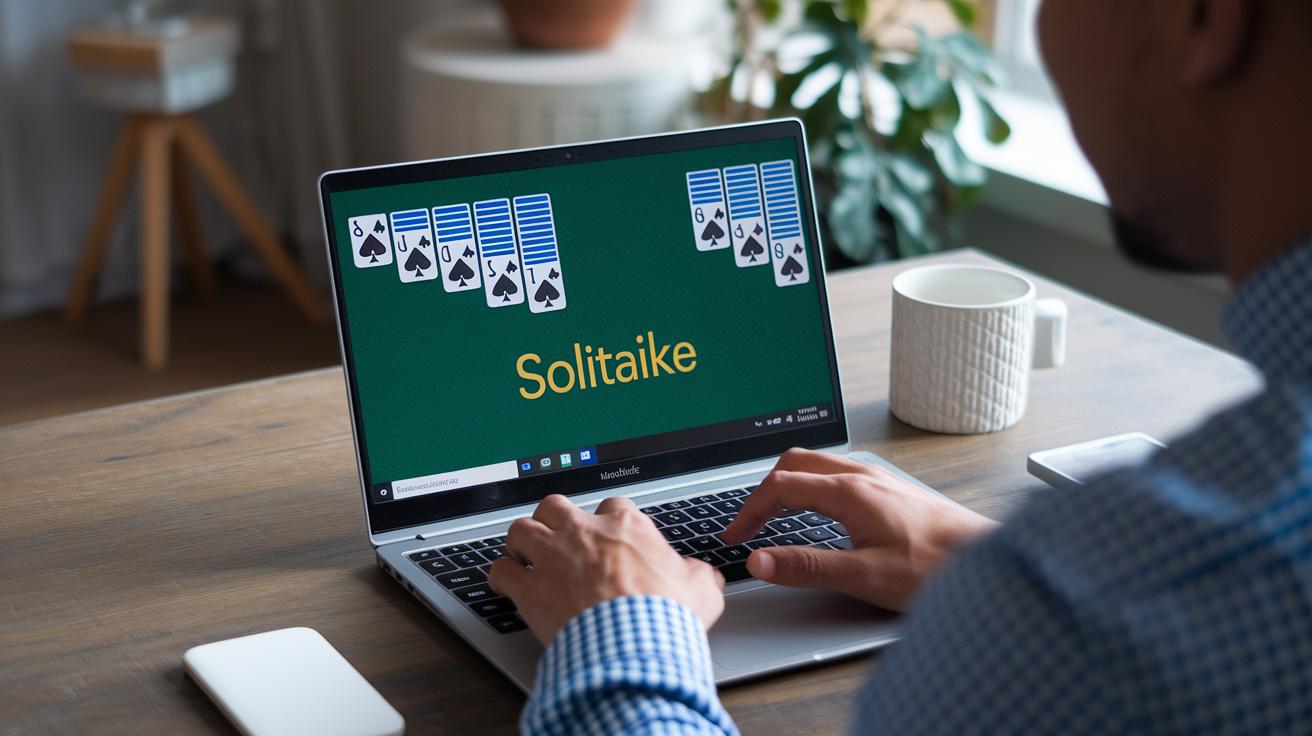
Every midnight UTC, Microsoft Games Solitaire kicks off its daily challenge with three fun tasks, rated Easy, Medium, and Hard. It's like opening a surprise deck every day that adds a spark to your game and throws some extra rewards your way.
Each day, you get a set of tasks testing different skills across five game types. Win these tasks to collect stars, which then unlock new contest packs in the Star Club. You might face challenges from Klondike, Spider, Pyramid, and more. It’s a mix that keeps things fresh and pushes you to tweak your strategy with every move.
Try switching up your approach: focus on high-value moves for the Easy challenge, plan several steps ahead for Medium tasks, and be bold with your tactics in the Hard challenge. For instance, imagine scoring 1,200 points in Klondike. It calls for quick thinking and clever plays that can make your heart race.
So why not jump in? Daily challenges add a fun, competitive twist and help you sharpen your skills, all while collecting cool rewards along the way.
Customizing Your Microsoft Games Solitaire Experience

Microsoft Games Solitaire is all about giving your playtime a fresh, new look right from the opening screen. You can pick from a range of fun card themes like Classic, Aquarium, Fable, Western, Beach, Autumn, and Jumbo. Imagine switching to the Aquarium theme and seeing bright bubbles and cool, flowing water with every move you make. There’s even a bit of buzz about possible holiday and Retro themes coming soon to mix things up even more.
Changing things up is super simple, too. You can adjust the card size, the see-through background, and even turn the sound on or off to suit your mood. It’s a bit like setting up your favorite playlist, tweak the settings until everything feels just right. Whether you need bigger cards to see every detail or a soft background that keeps the focus on your moves, these choices let you create a game space that truly feels like your own.
System Requirements and Troubleshooting for Microsoft Games Solitaire

Microsoft Games Solitaire runs on many devices, so you can enjoy it whether you're using Windows 8 or later, macOS, Android, iOS, or even a modern browser. The game needs around 100 MB of free disk space and current graphics drivers to keep things running smoothly. It's all about enjoying a hassle-free game, no matter your device.
- First, try resetting the app. Open Settings, tap Apps, select Microsoft Solitaire Collection, and then hit Advanced Options. It often clears up simple glitches.
- Next, clear the local cache to get rid of old data that might be slowing you down.
- Also, update the app through the Microsoft Store to make sure you have the latest fixes and features.
- And don’t forget to check your internet connection to ensure your game progress stays in sync.
If you still run into issues after these steps, contacting support might be your next best move.
Evolution of Microsoft Games Solitaire Over 30 Years

Microsoft Solitaire first made its debut in 1990 with Windows 3.0. It gave users a fun, straightforward Klondike experience that quickly became a cozy little ritual. Soon enough, it found its way into Windows 95, XP, and Vista, making a home for itself in so many households thanks to its friendly design and familiar gameplay.
Then, as the digital world shifted, so did the game. In 2012, Microsoft rolled out the Solitaire Collection with Windows 8. This new version came with fresh, colorful graphics and smoother interactions that made the classic feel pop for a modern crowd. Next, with the Windows 10 update, Xbox Live integration and achievements stepped in, letting players share high scores and challenge friends. By 2016, the game was buzzing on mobile devices too, complete with touch controls and cross-device syncing that made it easy to pick up wherever you were. It’s a cool journey that shows just how much Solitaire has grown and adapted over the past thirty years.
Final Words
In the action from setting up your game on multiple devices to mastering each card variant, you’ve seen how easy it is to jump into microsoft games solitaire. The guide walked you through finding the game, exploring classic variants, refining strategies, and even personalizing your look. You uncovered troubleshooting tips and witnessed the game’s evolution over the years. Every step builds toward an engaging, hands-on experience that brings fun and competition right to your fingertips. Enjoy every moment you play and keep the excitement rolling!
FAQ
How can I download and play Microsoft Solitaire Collection for free?
The Microsoft Solitaire Collection free download lets you get the game on Windows 10 and other platforms. You can install it via the Microsoft Store or play it online without any cost.
Is Microsoft Solitaire free?
Microsoft Solitaire is free to enjoy on many devices. The game comes without charge and is available for Windows, mobile, and online platforms.
What has happened to Microsoft Solitaire?
Microsoft Solitaire has transformed over the years. It evolved into the Microsoft Solitaire Collection now available on the Microsoft Store, online, and on mobile devices with new features and classic variants.
How do I get my old Solitaire game back?
To restore your classic Solitaire, download the Microsoft Solitaire Collection from the Microsoft Store. It brings back the familiar game along with modern updates.
How do I get Microsoft Solitaire on my device?
Microsoft Solitaire is easy to get. Simply install the free Microsoft Solitaire Collection from your device’s app store or visit the Microsoft Store for Windows 10.
