Have you ever thought that live stream events could totally change how you connect with your audience? Imagine a show filled with energy where everyone feels like they are right there in the heart of the action.
When you set clear goals, test your tech beforehand, and follow a simple plan, you do more than just put on a show. You create moments that stick with your viewers. Today we share an easy guide that will help you fire up your audience and make your live shows truly unforgettable.
Essential Workflow for live stream events success
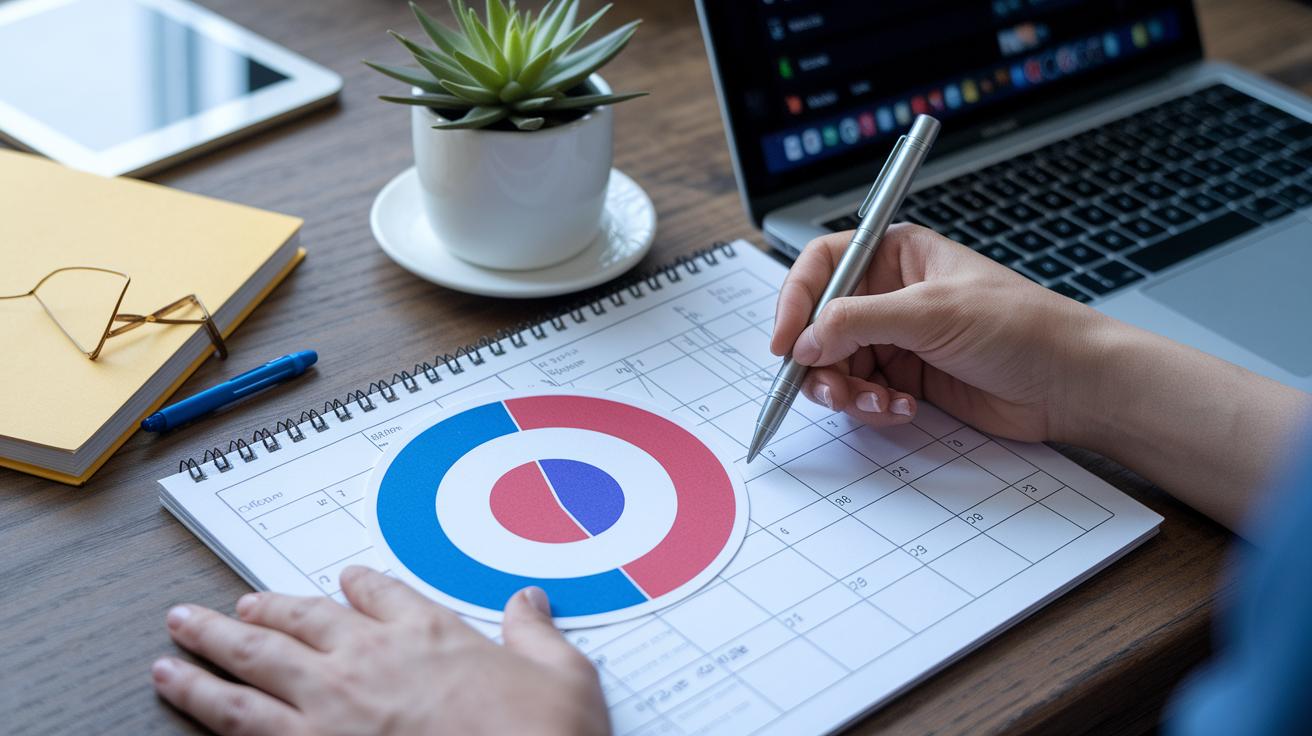
Start by setting clear goals. Picture a target, like boosting your audience engagement by 25% during your live show. These clear numbers help steer every decision you make. Next, plan a simple schedule that outlines event times, includes lively speakers, and uses social media to get people excited, imagine sending out invites a month ahead and dropping hints about a surprise guest two weeks before the event.
Spend some time planning each step of your production. It’s helpful to follow a detailed live event workflow (think of it as your behind-the-scenes playbook). This part covers choosing an easy-to-use platform, scheduling different segments, and ensuring smooth transitions between parts of your broadcast. It’s like setting up your game plan so you’re ready when the show starts.
Before going live, make sure all your tech is in order. Test your camera, capture card, and external mic to catch any issues before they become a problem. Do a full trial run to check for things like audio and video matching up, lighting that’s too dim, or network hiccups. Keeping a steady upload speed of at least 5 Mbps is key to a clear, high-definition show.
Lastly, think about how your event can bring in revenue. Consider options like ticket sales, subscriptions, or pay-per-view models. Each method not only helps you earn money but also gives you a better idea of what your audience enjoys.
Comparing Top event streaming platforms for live stream events

Live stream events are easier than ever now that you have so many platform choices at your fingertips. Take YouTube Live, for instance. You need a verified account in good standing to broadcast, which is great if you want to reach a huge audience. With features like live chat and tipping through Super Chat, you can really connect with viewers. Imagine hosting a fun session where people can tip you as soon as they join!
Facebook Live is another cool option. It lets you stream from your phone, schedule your shows, and even moderate who gets to see your content. This makes it super handy if you’re on the move. Instagram Live works similarly, sending push notifications to your followers and keeping your live sessions available for 24 hours in Stories.
Twitch is perfect if you’re looking to build a tight-knit community. It provides easy setup with tools like Twitch Studio and Streamlabs OBS, plus you get great chat features and customizable overlays. Whether you choose the free version or go for subscription options, Twitch keeps your fans engaged. And then there’s Zoom, a simple choice for smaller gatherings with a cap of 100 participants and a 40-minute session limit, ideal for interactive mini-sessions.
| Platform | Audience Limit | Interactive Tools | Cost |
|---|---|---|---|
| YouTube Live | Unlimited (verified required) | Live chat, tipping | Free/Paid add-ons |
| Facebook Live | Large reach | Reactions, polls | Free |
| Instagram Live | Follower based | Q&A, alerts | Free |
| Twitch | Community driven | Chat extensions, alerts | Free/Paid subs |
| Zoom | Up to 100 | Chat, reactions | Free version available |
live stream events equipment essentials and professional setup guidelines

Getting a quality live stream is all about using the right gear. Start by setting up a camera that streams well, and be sure it shows sharp, high-definition video. Pair your camera with a capture card (a tool that connects your camera to your streaming software) and check everything carefully, just like you would inspect your bike before a long ride.
For sound, an external microphone is a must. It picks up crisp audio and does a better job than most built-in mics. Good audio really makes a difference.
Lighting is huge too. Use proper lighting setups to brighten your space evenly. Bad lighting can hide important details. Choose adjustable LED panels that feel like natural light so your scene looks great.
Next, connect your encoder by plugging in your camera and microphone. Then set it up for a stable stream. Think of it like switching your phone to video mode before a live call, simple and straightforward.
Software tools, such as AI Show Notes and AI Co-Creator, bring smart features into your broadcast. They can automatically highlight key points of your session or help you reuse your content later. Always do a quick pre-stream check by recording a short test clip. Listen and watch closely to be sure everything is in sync, like checking the smell of a cake to see if it's ready.
Live Stream Events: Energize Your Audience
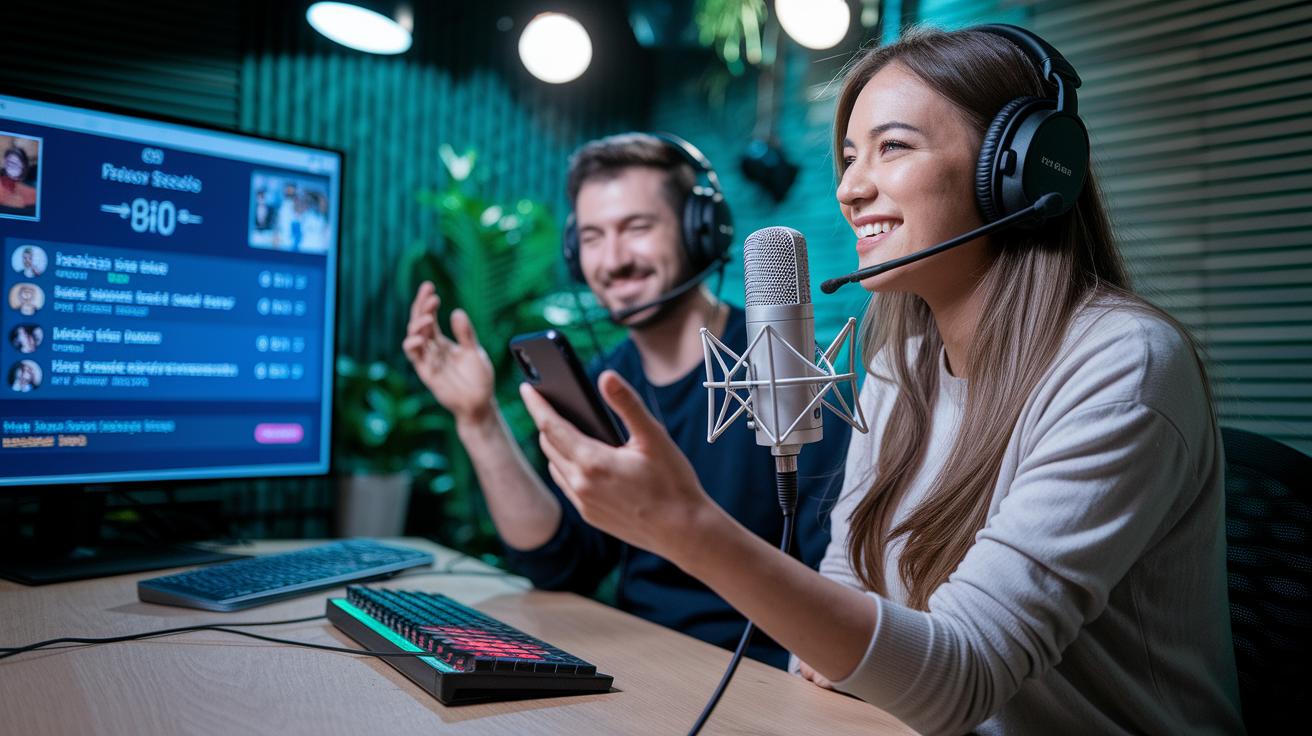
Getting viewers involved is what makes a live event truly special. Use a live chat so people can share their thoughts and ask questions right away. You might say something like, "Hey everyone, drop a hello in the chat if you're tuning in!"
A fun tip is to run a quick poll during your event. Ask a simple question like, "Which topic do you want to hear more about?" and let the votes lead the way. You can also add a Q&A segment so viewers can fire off questions that you answer on the spot. Imagine saying, "Let's dive into your questions right now, so fire away!"
Spice up your broadcast with interactive overlays and on-screen graphics. Try adding a few animations or highlighting the top chat comments, like giving a digital nod to your biggest fans. It adds a lively, backstage vibe to your show.
Keep a close eye on how your audience is connecting by checking things like chat activity and poll results. If you notice a burst of comments when a guest speaker appears, you might want to stretch that moment a bit more.
And don’t forget about using a moderator. They can help sort out chat comments and bring attention to interesting questions. This not only builds a cool community feel but also makes sure your event stays in tune with what your viewers want.
Monetization Tactics and On-Demand Follow-Up Strategies for Live Stream Events
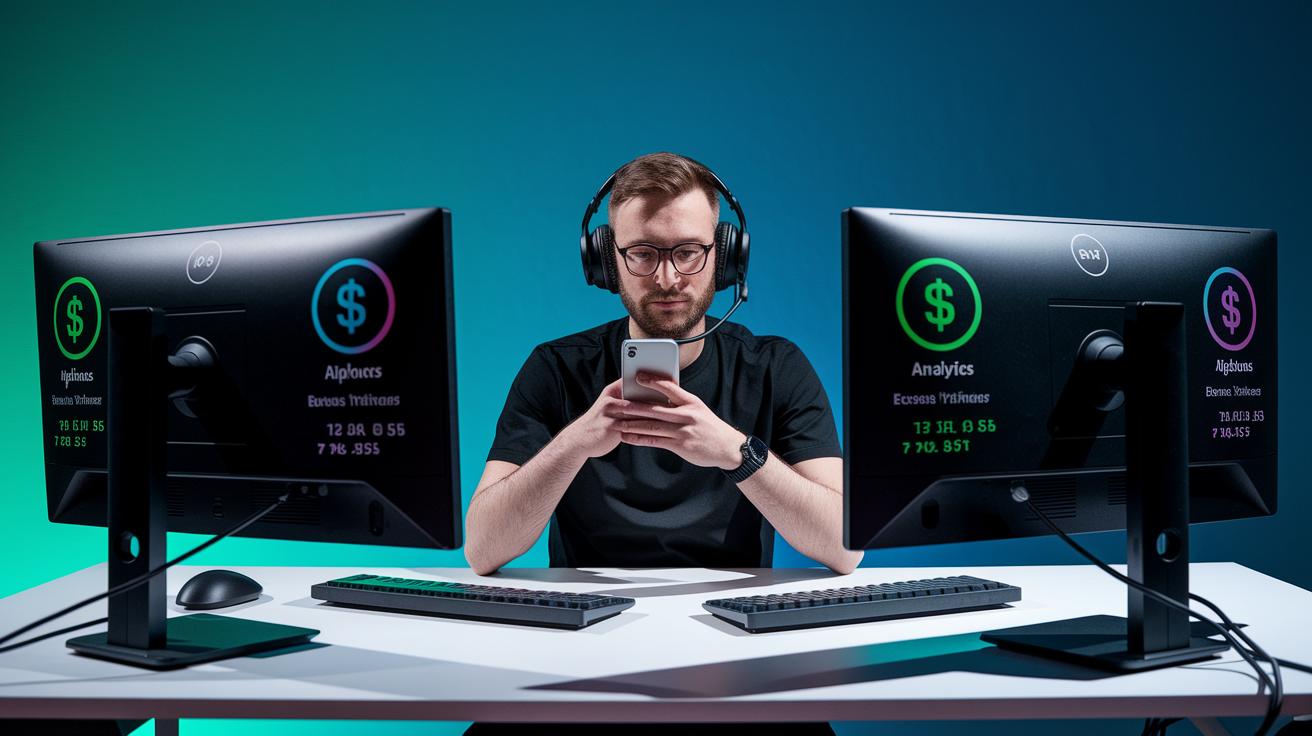
Want to keep the money rolling in long after your live stream ends? Try mixing up your revenue streams with ticket sales, subscriptions, or pay-per-view events. Imagine selling tickets for live events so fans get special access and you earn cash in real time.
After your show wraps up, save the recording and turn it into an on-demand video. Post it on your website or social media to reach viewers who missed the live action. This move not only brings in more eyes but also opens up extra ways to earn.
Keep an eye on key numbers like views, engagement, and conversion rates to see what really hit home with your audience. Use simple digital tricks such as catchy, keyword-rich titles and clear descriptions to boost your online presence. And a quick follow-up email can bring old viewers back for your next event.
| Tactic | Example |
|---|---|
| Revenue Models | Ticket sales, subscriptions, pay-per-view |
| Post-Event Actions | Saving streams, sharing recordings, on-demand videos |
| Digital Promotion | SEO-friendly titles, engaging descriptions, emails |
These steps not only get you quick returns but also help you build a bigger audience and boost your overall return on investment with every live stream.
Performance monitoring and troubleshooting essentials for live stream events
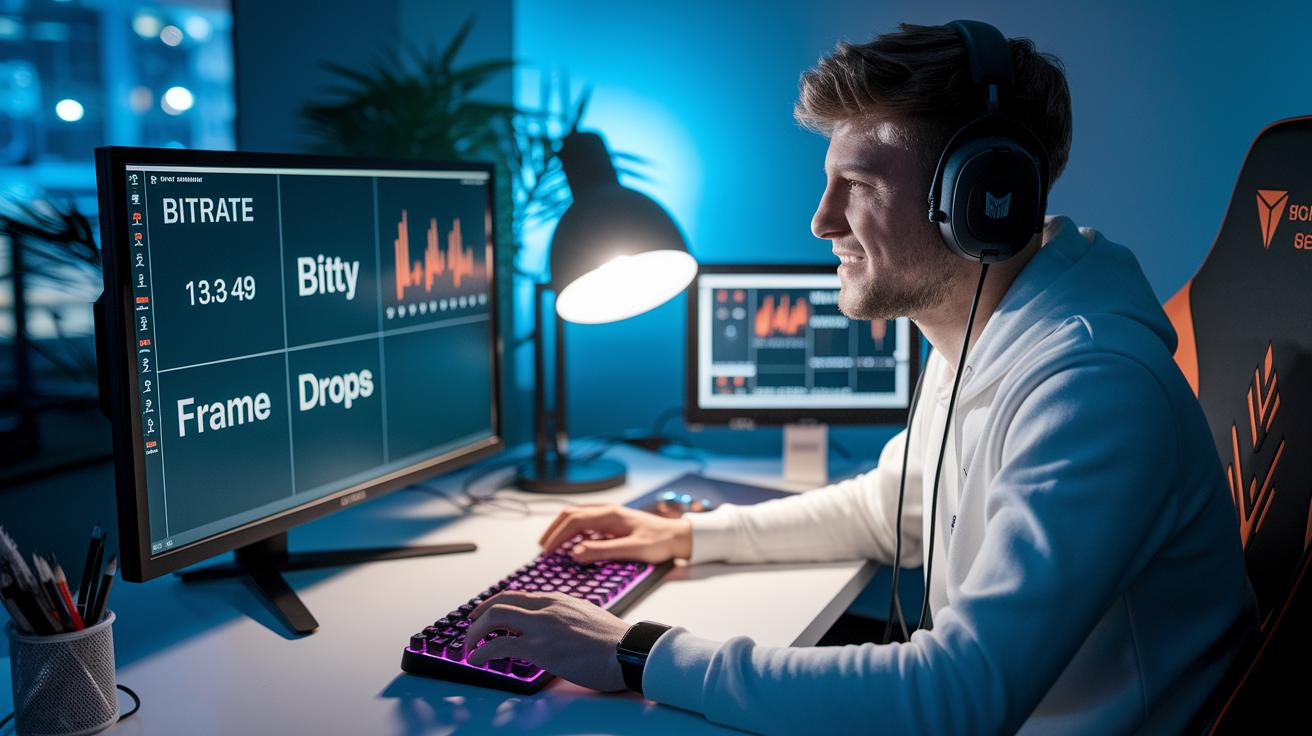
Keeping an eye on your live stream is essential. Check stats like bitrate, frame drops, and viewer retention in real time, it’s like glancing at your car’s dashboard before a long drive. If you notice a drop in quality, it could mean there’s a network lag or a small encoder hiccup.
Make sure you run network checks regularly. Keep an eye on your upload speed and use simple tricks to manage your bandwidth, so the stream stays smooth. With adaptive bitrate streaming, the quality adjusts on its own when conditions shift, which helps reduce buffering.
Sometimes your stream might run into common issues such as audio and video falling out of sync or lighting that isn’t even. Imagine watching a singer whose lip-sync is off, it can be distracting. And if parts of your scene seem too dark, that uneven lighting might really take away from the vibe.
Here are a few quick troubleshooting tips:
- Double-check your connections and restart your encoder if errors pop up.
- Adjust your lighting when you notice dark spots in your scene.
- Review your network speed during live tests to keep things on track.
Before going live, do a stress test to simulate heavy traffic. Having a backup server ready can be a real lifesaver if your main connection fails. Taking these proactive steps will help keep your stream running smoothly, making the event a better experience for everyone.
Final Words
in the action, our guide walked you through goal setting, equipment setup, and interactive engagement. We touched on everything from picking the right streaming platform to ensuring steady network performance. Simple testing steps and clear objectives helped shape a smooth production process. The ideas here can boost how you run live stream events. With careful planning and a little tech know-how, every broadcast can shine and keep audiences coming back for more. Enjoy bringing your vision to life!
FAQ
Live stream events today
Live stream events today include real-time broadcasts of concerts, sports, and webinars. Many platforms provide schedules so you can quickly spot the events airing right now.
Live stream events online free
Live stream events online free let you enjoy broadcasts without spending money. Platforms like YouTube Live, Facebook Live, and Instagram Live offer free access to concerts, sports, and more.
Live streaming websites
Live streaming websites include options such as YouTube Live, Facebook Live, Instagram Live, Twitch, and Zoom. These sites offer various interactive tools and features for engaging live content.
Live streaming match
Live streaming match refers to sports or game events broadcast in real time. These streams let you follow scores and commentary live, offering a dynamic way to enjoy your favorite competitions.
What is a live streaming event?
A live streaming event is an internet-broadcast that streams an event as it happens. It covers everything from concerts and webinars to sports and online talks.
How do I find live streams?
Finding live streams involves checking well-known platforms like YouTube Live and Facebook Live. Use search filters, visit official event pages, or explore streaming guides to locate broadcasts quickly.
What is the most streamed live event?
The most streamed live event often includes large concerts or prime sports finals. These events draw massive online crowds thanks to major promotions and their broad entertainment appeal.
