Have you ever thought planning could be as exciting as a live show? When creative teams set clear goals and mix in storytelling magic, the scene is set for something amazing. Interactive media production sparks new ideas when art meets hands-on tech. First, pre-production lays a solid foundation. Then, production brings the project to life. Finally, post-production gives it that finishing touch. This careful mix of planning and creativity creates a buzz that pushes every project to a whole new level of excitement and innovation.
Interactive Media Production Process: Complete Stage Overview

Interactive media lights up stories by mixing creative content with fun, hands-on experiences. It means planning digital tales that focus on what people need and work with clear goals. You can check out more about what interactive media is at the link. Think of it like setting up a live show stage, where every part, from pictures to sound, catches your eye.
Pre-production lays down the groundwork. At this stage, teams set clear goals, do market research, and write scripts that really speak to their audience. Budgets get planned, schedules are mapped out, and ideas are refined during lots of brainstorming sessions. Imagine this: before launching an interactive campaign, a team spent weeks figuring out what would truly move their audience. This phase builds the strong base needed for a smooth run.
Then comes production. Here, the creative vision truly comes to life. Developers and designers team up on coding, scripting, and designing graphics while animators and sound folks craft eye-catching audio and visuals. It’s like piecing together a puzzle where every detail matters, ensuring the final experience feels just right.
Finally, in post-production, the focus shifts to adding the final shine. Editors trim videos, adjust colors, mix soundtracks, and blend in cool motion graphics. With new trends like VR, AR, and 360-degree video popping up, teams also listen to user feedback to tweak every interactive element. This step makes sure that every detail meets both artistic and performance goals.
Interactive Media Production Process: Pre-production & Concept Ideation
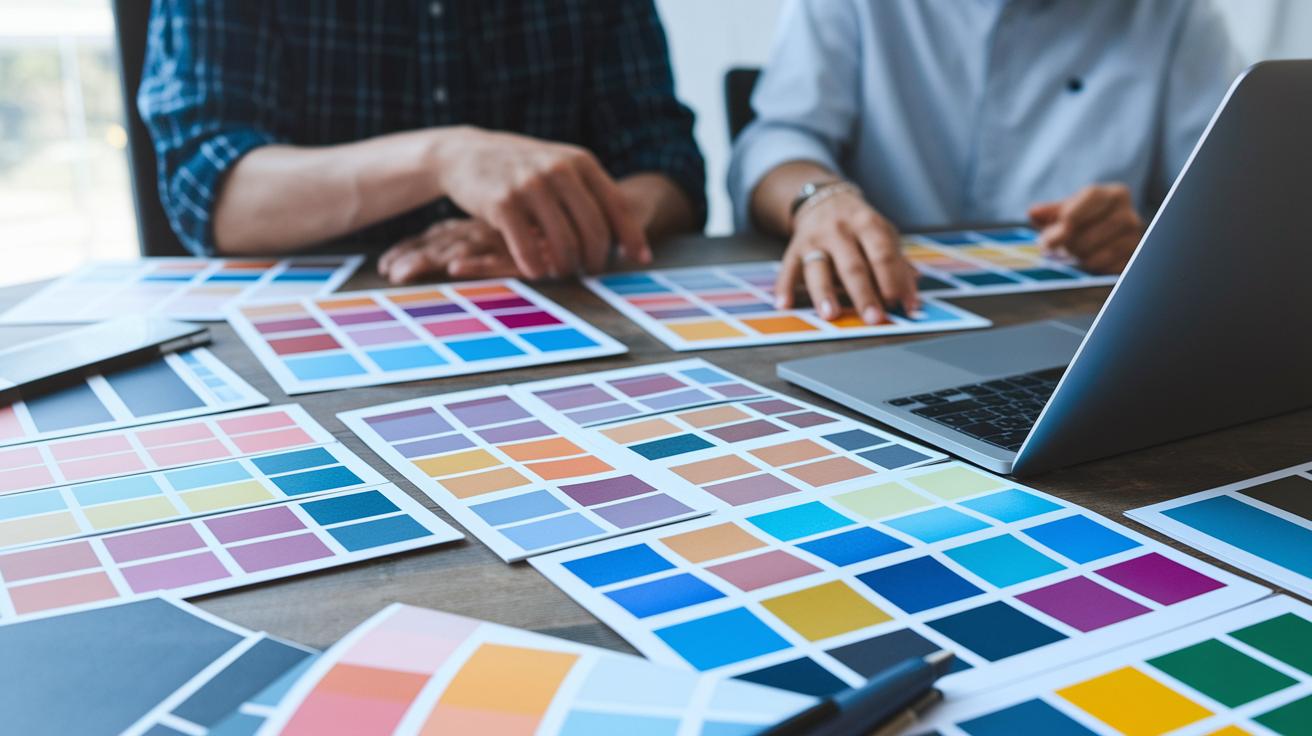
Every interactive project kicks off by setting clear, measurable goals while really understanding what the users need. Teams start by pinpointing who the experience is for and what those users love and expect. This initial step lights the way before diving headfirst into creativity.
Before any creative work begins, teams take a close look at the audience and current market trends to gather useful insights. They then roll up their sleeves for some research and script writing, which paints a clear picture of what will truly resonate. Simple, clear goals guide every single stage.
- Brainstorming techniques
- Persona creation
- Mood boards
- Scenario mapping
- Competitor analysis
- User journey workshops
Once these ideas start flowing, planning steps in. Teams carefully plan out how to use the budget so that the right tools and talent are on board. They then sketch out timelines and set realistic milestones so every part of the project gets the attention it deserves. They also look ahead to spot and manage any risks before they turn into problems.
By defining the project scope and setting measurable benchmarks early on, every stakeholder knows what to expect and every decision stays open. This rock-solid pre-production plan gets the project moving forward with creativity and resilience, lighting a spark of innovation right from the very start.
Interactive Media Production Process: Design, Storyboarding & Asset Creation

Design and asset creation shapes creative ideas into fun, interactive experiences. In this stage, you plan how your content is organized, draw out the user paths, and create a clear order that is easy to follow. The team sticks to simple design rules so every part is neat and clear. Think of it like drawing the blueprint for a digital playground where every piece has its special spot.
Storyboard Drafting
Storyboard drafting makes the interactive journey feel real. You start by sketching the main paths a user might take and mapping out key scenes or decision points. Picture drawing a rough scene where a click on a button leads to an exciting new screen. This step lets you see every interaction in advance so there are no surprises later on.
UI Design Principles
UI design principles are the heart of a great layout. Designers pick simple fonts, set up clear navigation, and arrange elements so users can move easily through the content. It’s like making sure all your favorite toys are neatly lined up. When everything stays consistent, users always know where to click next.
Asset Creation Techniques
After planning comes asset creation. This means crafting images, animations, and even adding some sound to build a complete multimedia experience. Using design tools and animation software, teams create characters, backgrounds, and interactive buttons. Imagine an icon that changes color when you hover over it – that small detail brings the design to life. This part ties all the ideas together into a smooth interactive experience.
Interactive Media Production Process: Development & Technical Integration
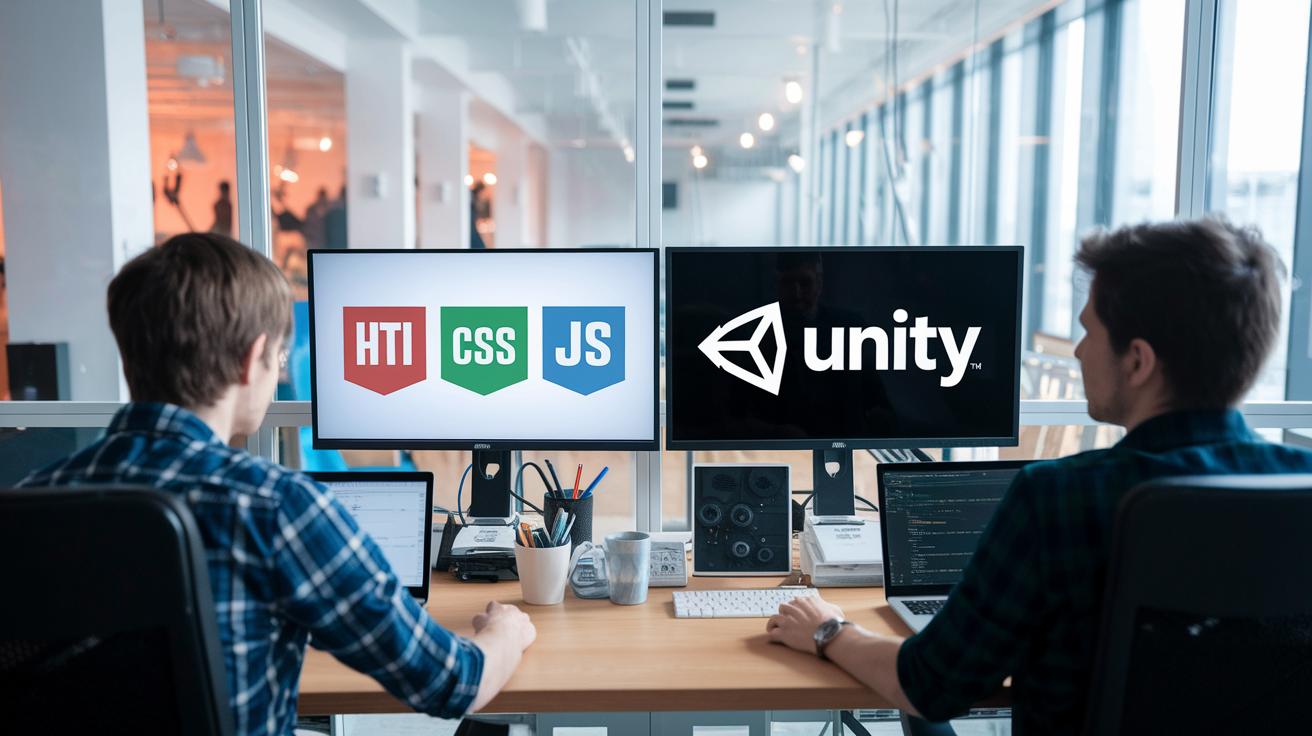
At the development stage, ideas jump off the page and turn into lively digital experiences. Teams build neat web pages using simple languages like HTML, CSS, and JavaScript, or they create fun games and animations with tools like Unity and Adobe Animate. They keep everything organized and well-documented (think clear file folders and version control) so every part fits together seamlessly.
Early on, teams dive into quick tests by building simple models and using handy authoring frameworks to speed up the creative process. This hands-on trial helps them find the best way to share interactive content across different devices before going all in. They even bring in automation tools to cut down on repetitive tasks while keeping the quality high. Consistent coding habits and building projects in pieces make updates and teamwork a breeze, paving the way for strong, flexible creations.
Next, the focus shifts to making sure designs work beautifully on any device and that everything runs smoothly. Developers use frameworks that let layouts adjust automatically, offering a great experience whether you're on a desktop or a mobile screen. They test on different platforms to catch any glitches early and fine-tune assets so pages load fast and run efficiently. Simple steps like compressing images and cleaning up code, combined with smart automation, help create quick and reliable interactive spaces that really grab you.
In all, the development stage lays down the solid groundwork with smart coding, clear integration, and careful performance tuning. It sparks the creative process and empowers teams to build interactive experiences that stick with you long after you've explored them.
Interactive Media Production Process: Tools & Technologies Overview
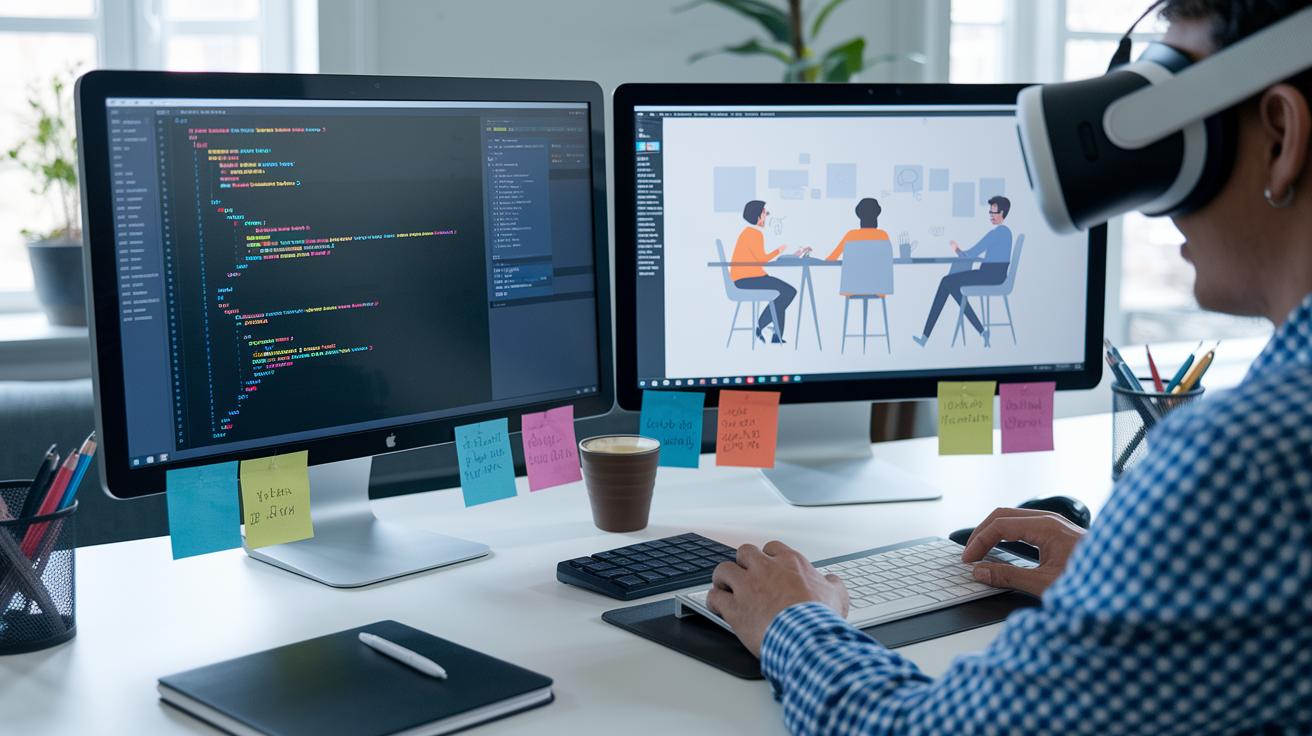
Interactive media production is all about using trusted software and advanced hardware to turn ideas into interactive magic. Creative teams use friendly design tools and integrated creative suites to sketch, animate, and put together content that really pulls you in. In real time, visualization systems keep track of progress, while motion capture setups and augmented reality bring digital experiences to life.
Whether you're coding with HTML, CSS, and JS tool sets or crafting visuals in Adobe Creative Cloud, each tool has its own part in sparking fresh ideas.
| Tool Category | Tool Name | Primary Use |
|---|---|---|
| Authoring Engines | Unity, HTML/CSS/JS toolchains | Building interactive projects |
| Graphics & Animation | Adobe Animate | Designing dynamic visuals |
| Audio & VFX | Adobe After Effects | Creating sound and visual effects |
| Post-production Suites | Adobe Premiere Pro | Polishing final media pieces |
| Immersive Hardware | VR/AR Headsets, Motion Capture Setups | Delivering interactive, immersive experiences |
When you pick your tools, think about how well they work together to boost teamwork and creative expression. Look for platforms that keep the design process simple while still offering strong features. New AR and VR toolkits (for more info, check out immersive art technology on Haut Collective) are great examples that mix many senses for an advanced vibe. And finally, check how easy these platforms are to use, how well they play with other tech, and if they get regular updates, so every project shines with creativity and works smoothly.
Interactive Media Production Process: Quality Assurance & Iterative Testing

Teams start testing with a mix of familiar checklists, automated tests, and regular performance reviews. They follow simple debugging routines to track down issues. Imagine clicking a feature and instantly seeing a message that something is off; that quick feedback lets them fix problems right away. This practical approach helps catch errors early and keeps every interactive part running smoothly.
Next, the team shifts focus to boosting performance. They measure load times and frame rates and make simple tweaks like compressing images so everything responds fast and feels smooth to use.
Managing quality assurance means testing again and again until key goals are met. Continuous user feedback and careful monitoring of how the system performs guide every update. Teams run several rounds of testing while gathering user thoughts and data. Picture checking a prototype where even a small delay stands out; they then use the data to refine the process until every part works perfectly. This step-by-step method makes sure that every update, whether a small bug fix or a major change, truly meets user needs and project goals.
Interactive Media Production Process: Publishing, Promotion & Ongoing Optimization
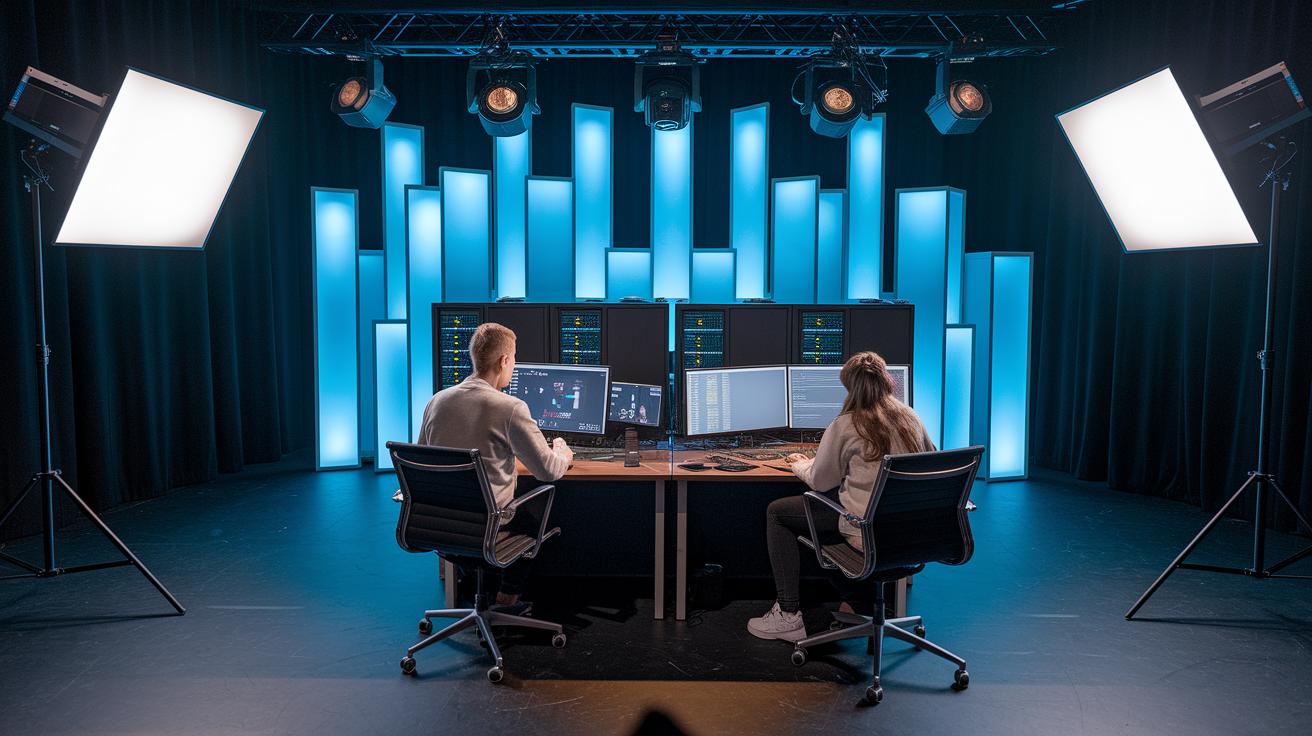
When you publish interactive media, the first step is to pick a hosting solution that fits your technical needs, legal rules, and growth plans. Teams set up servers or CDNs to make sure everything runs smoothly on any device. They also mix in marketing moves like social media chatter, email blasts, and boosting search rankings. It’s a bit like preparing a stage, where every light and speaker is in its perfect spot for the audience.
Once the media is live, the work doesn’t stop. Teams keep an eye on user feedback by checking simple analytics tools that show how people interact with the content. Then, they plan regular updates based on what viewers say and on the latest trends. This ongoing care helps the content stay fresh, fix any hiccups, and sometimes even add a spark of new creativity.
Interactive Media Production Process: Case Studies & Emerging Trends
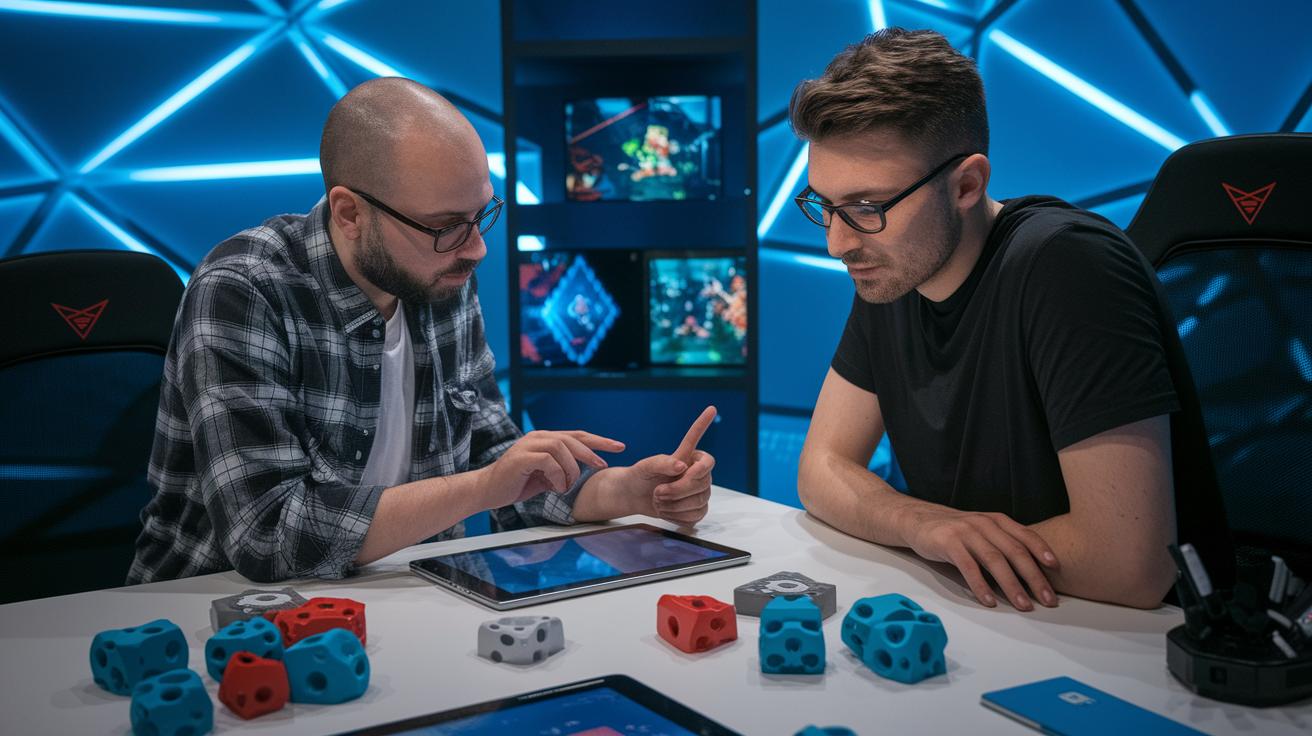
We've got two awesome examples showing how interactive media can spark fresh ideas and grab users' attention. These stories use fun, creative tricks that break design limits and pave the way for future projects.
AR-Based Gamification: A Success Story
For this project, a creative team wanted to boost engagement using a cool augmented reality campaign built with Unity (a popular game engine). They put together gamified demos that let you interact with virtual objects right on your device. Clever interactive steps guided users through real-world challenges, and engagement jumped by 35%. It was a mix of smart tech and creative spark that made the experience both fun and effective.
Interactive Web Documentary: A New Take
Another project took a traditional documentary and turned it into an immersive online adventure using HTML5 and 360-degree video. The team blended vivid storytelling with interactive navigation, inviting viewers to explore the story from different angles. This fresh setup not only kept people on the page 40% longer but also made the content feel more personal and relatable.
Looking forward, things are only getting more exciting. New immersive storytelling platforms and a mix of real and virtual experiences are on the horizon. Real-time visuals and personalized content are opening up fun new doors for digital creators. If you’re into the latest in immersive art, keeping an eye on these trends might just spark your next big idea and set a new standard for interactive media.
Final Words
in the action, we traced every step from setting clear goals to polishing final touches. The blog post walked us through task planning, creative production, and the hands-on phase of testing and promotion. Each part played a role in building an engaging project that brings ideas to life.
By embracing this interactive media production process, a creative spark turns into real excitement. Keep pushing boundaries and enjoy every moment of the creative ride.
FAQ
What are the key steps of an interactive media production process?
The interactive media production process starts by setting clear goals and understanding audience needs, moves to production where coding and design bring the concept to life, and ends with post-production tasks like editing and sound mixing.
How can I access the interactive media production process in different formats?
The interactive media production process is commonly available as a PDF for detailed documentation and as a PPT for presentation purposes, making it easy to share and review the steps.
What are the techniques used in interactive media?
The techniques in interactive media include crafting storyboards, designing intuitive user interfaces, creating visual assets through graphic design and animation, and using coding to integrate interactive elements.
What is an interactive media system?
An interactive media system uses digital tools and software frameworks to let users actively engage with content through responsive interfaces, immersive visuals, and audio, offering a dynamic communication channel.
What are the three main types of interactive media?
The three types are web-based platforms, mobile applications, and immersive systems that use technologies like virtual reality (VR) or augmented reality (AR) to provide engaging user experiences.
