Ever wonder why a live event on LinkedIn grabs your attention? Imagine a CEO chatting directly with fans, creating a burst of energy and sparking fun, real-time interactions. LinkedIn Live events get people talking and reacting, transforming a simple post into a personal conversation. This live style helps brands connect on a deeper level while quickly spreading their message. Using LinkedIn Live can let your brand shine brighter and boost engagement in ways you never thought possible.
LinkedIn Live Events: Fuel Great Engagement
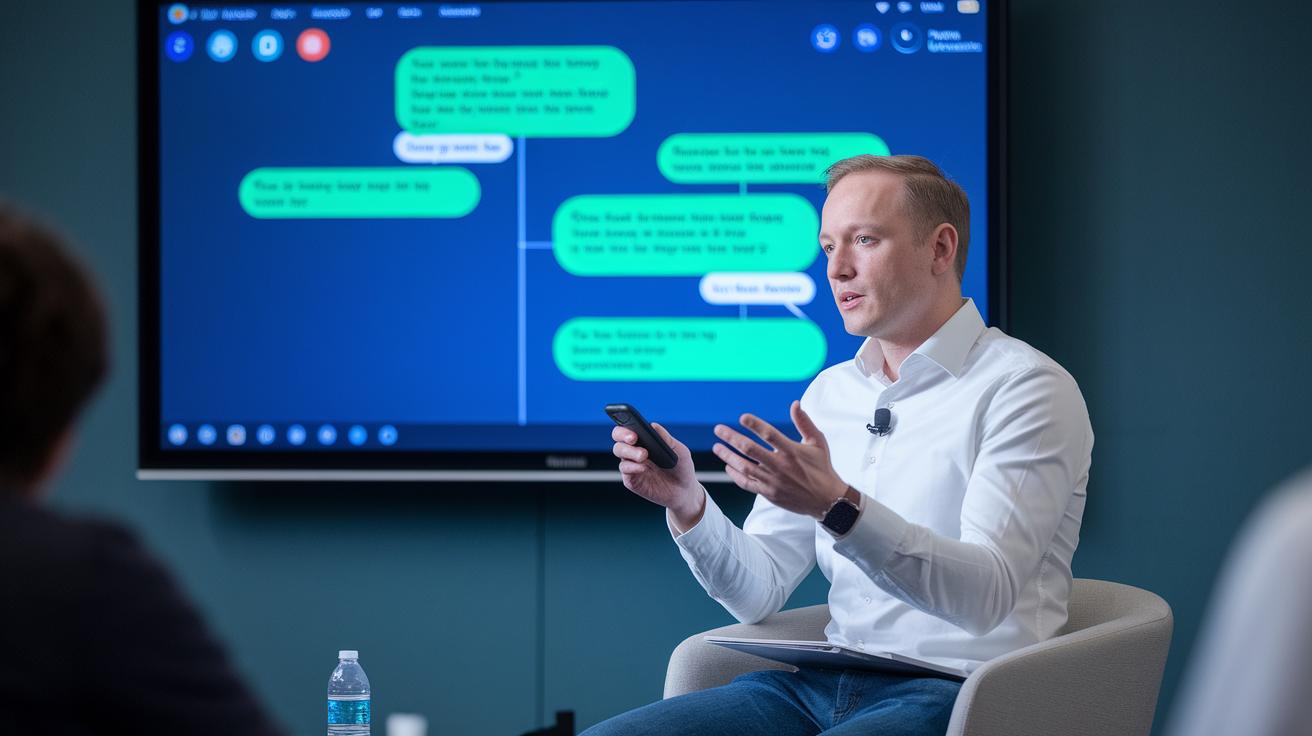
LinkedIn Live events let professionals chat in real time through live video. They spark instant conversations, help brands stand out, and boost networking around the globe. They impressively bring in 7 times more reactions and 24 times more comments than regular videos. Imagine a CEO answering live questions during a breakout session, pretty cool, right?
With LinkedIn Live, marketers and organizers turn an ordinary post into a lively experience that connects talent with new partners. You can respond to feedback right away, making each broadcast feel personal. This not only increases your brand’s visibility but also turns casual viewers into active participants. One viewer even said, "Watching the live stream felt like joining an exclusive event, right on my phone," which really shows the magic of live chats.
- 7 times more reactions mean your brand gets noticed faster.
- 24 times more comments kick off fun, vibrant discussions.
- More content visibility opens up fresh networking chances.
- Live interactions make every moment feel engaging and personal.
For lots of B2B pros, LinkedIn Live is a smart way to build networks and showcase their expertise. Its interactive, live format helps companies connect with new hires, launch products, and share insights from their industry. When you think about winning campaigns, remember that top-notch live event production (live event production – https://vasthysfriends.com?p=83) plays a big role in achieving these great results.
LinkedIn Live Events: Requirements and Setup
If you're planning to host a LinkedIn Live event, you need to be an admin on your LinkedIn Page. This step makes sure you have the right access to manage your page and its content. Once you know you’re in control, you’re ready to set up a smooth live broadcast.
First, double-check that you have admin access to your LinkedIn Page. Then, open the event creation panel from the left menu in your Page’s admin view. Fill in the details to generate a unique event URL, which acts as your event’s special identifier.
Next, set up your streaming using a third-party broadcast tool. Think of it as connecting your event to a reliable video switcher that makes your live stream flow effortlessly. Don’t forget to configure notifications so that your registered attendees get an alert when you go live.
It’s easy to miss a small step, like testing your broadcast tool before you start or forgetting to set up notifications. A quick test run can help catch any glitches and ensure that your live event rocks without any hiccups.
Scheduling and Managing LinkedIn Live Events Efficiently
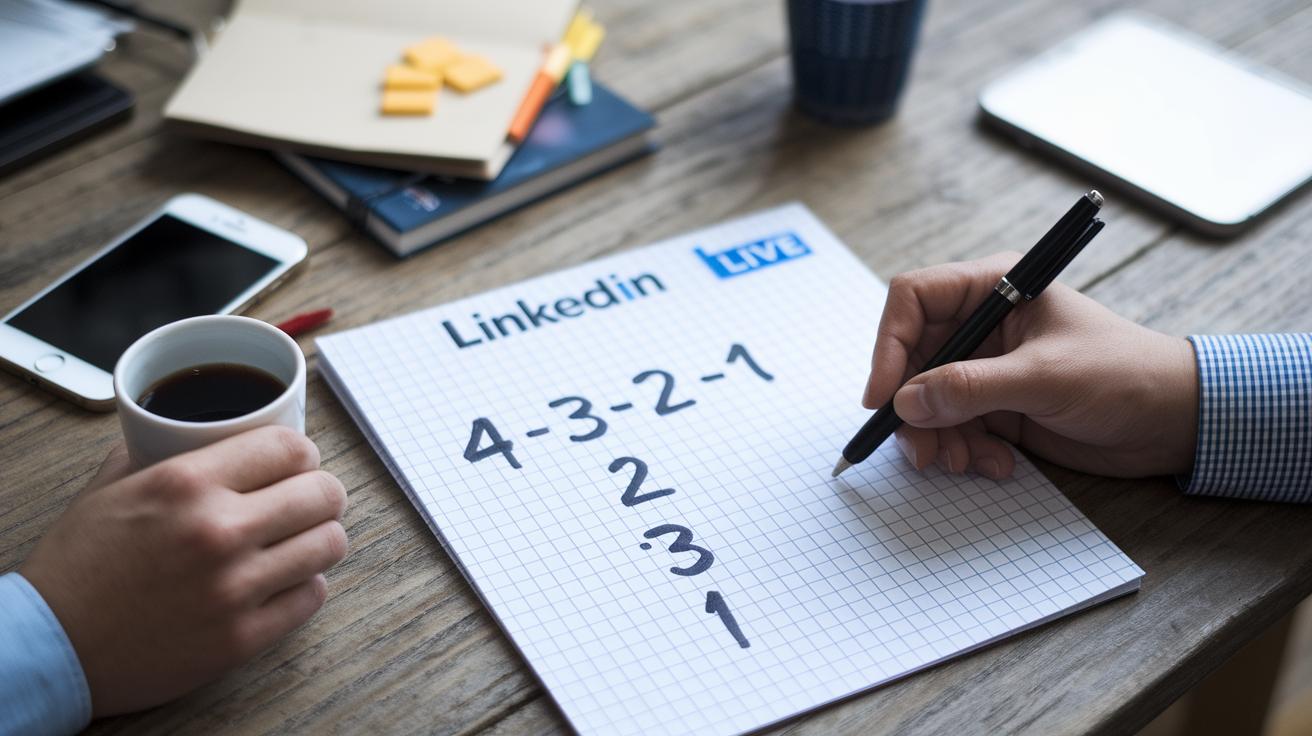
When you plan your LinkedIn Live show ahead of time, you're setting the stage for a smooth and exciting broadcast. Mapping out your tasks early not only keeps your work organized but also builds anticipation among your audience. It’s like setting up your favorite concert, you just know something awesome is coming.
- About 4 weeks before the event, line up your speakers and sketch out the show.
- At 3 weeks out, lock in your content calendar and nail down your promotion plans.
- Two weeks before, start sharing the news via email, social media, and even a little word-of-mouth buzz.
- One week out, send friendly pre-event reminders using LinkedIn’s push notifications.
- Three days before, go over your tech setup, including streaming tools and branded visuals.
- On the day of the event, post your final reminders and do a last quality check of the broadcast.
| Milestone | Action |
|---|---|
| 4 Weeks Out | Confirm your speaker line-up and draft a simple event outline |
| 3 Weeks Out | Lock in the content calendar and finalize your visual assets |
| 2 Weeks Out | Kick off your promotional campaign via emails and social media |
| 1 Week Out | Test your equipment and run the final streaming checks |
Working closely with your team also makes a big difference. Splitting up responsibilities like tech checks, promotions, and speaker confirmations can ease the pressure. Regular check-ins and clear deadlines help everyone stay on track, cutting down on last-minute surprises. This team spirit not only smooths out the process but also makes sure every part of your event shines, keeping your audience hooked from start to finish.
Engaging Audiences During LinkedIn Live Events
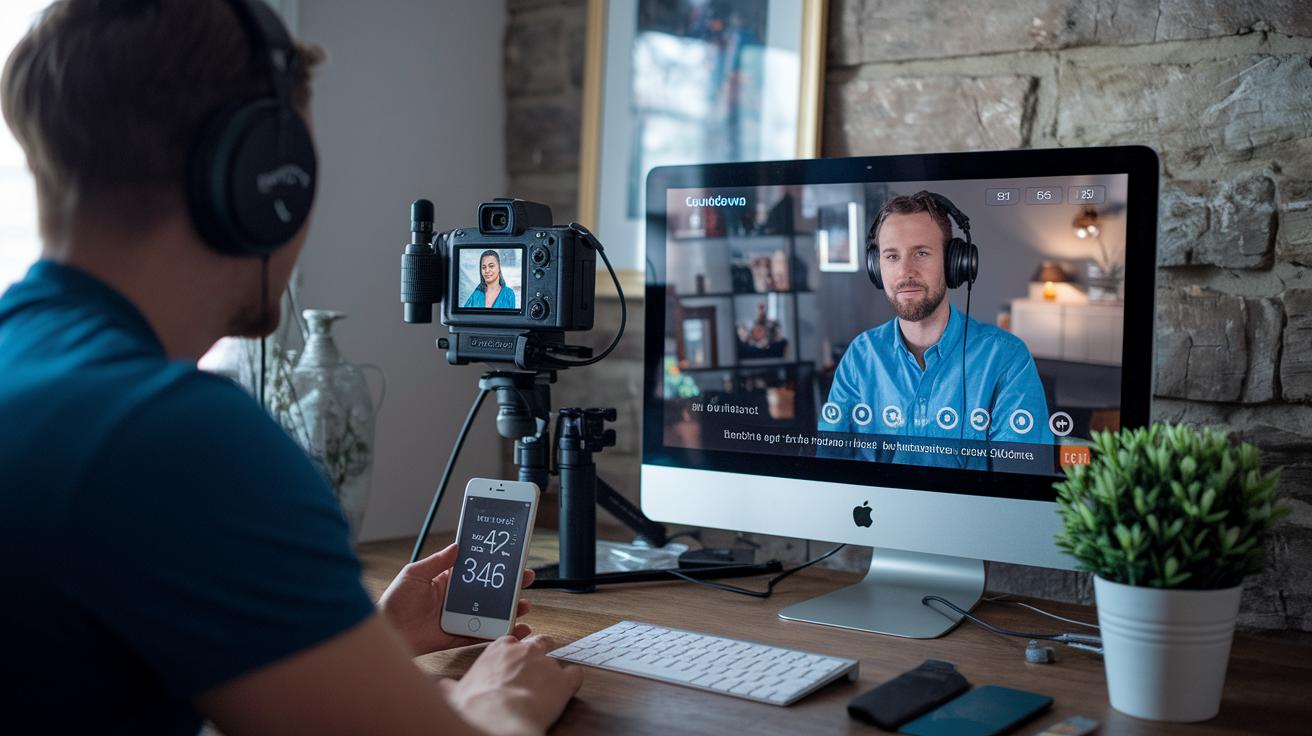
Engagement is the heartbeat of a lively LinkedIn Live session. When hosts chat with viewers in real time, the show feels genuine and spontaneous. It turns a simple broadcast into a fun, interactive hangout.
- Open with a poll – Start off with a quick poll and share an interesting fact. For example, ask, "Did you know that nearly half of live event viewers take part in quick polls right after the intro?"
- Invite live Q&A – Get the conversation rolling by asking, "What's one thing you're excited to learn today?"
- Highlight top comments – Show viewer comments on screen so everyone feels like their voice matters.
- Prompt reactions – Encourage your audience with a friendly nudge like, "Hit that like button if you agree!"
- Use visual cues – Use cool graphics or countdowns to catch and keep everyone's eye.
- Moderate off-topic chat – If the discussion wanders, gently guide everyone back by saying, "Let's refocus on the main topic for a moment."
- Loop back to earlier points – Keep the conversation connected by saying, "Earlier, you mentioned something interesting, let’s dive into that a bit more."
Keeping the chat friendly and on track sets up a welcoming space for discussion. It helps to lay out the rules at the start so everyone knows how to join in. If things start to drift, the host can jump in with a quick reminder to keep the conversation focused. This not only stops confusion but also makes sure every viewer feels heard.
Using analytics during the event gives extra insight into your audience. Real-time dashboards show you view counts, peak moments, and comment rates, just like an instant feedback loop. If you see engagement dipping, it might be the perfect moment to spark up a new topic or kick off another poll. A sudden drop in comments can be a clue to ask another fun question, keeping the energy steady throughout the event.
Post-Event Strategies for LinkedIn Live Events
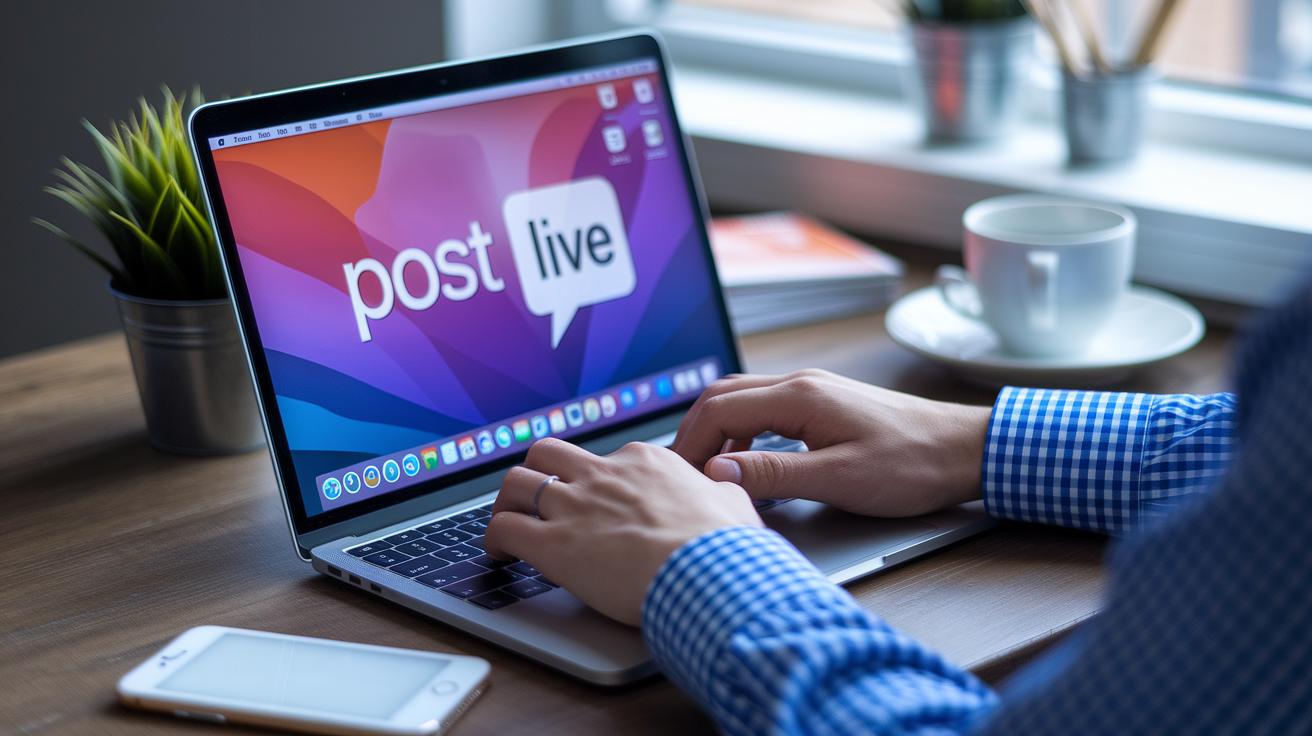
After your live broadcast, keeping your audience interested is just as important as the show itself. The magic happens when you reach out with thoughtful follow-ups that build lasting connections.
Here are a few ideas to keep the energy going:
- Send a friendly thank-you email with a few main highlights. A short note like "Thanks for joining us today; here are the top moments you won’t want to miss" works wonders.
- Create a few short video clips that showcase the best parts of your live session. These little highlights are like movie trailers that bring back the excitement.
- Use retarget ads to reconnect with folks who signed up but couldn’t watch the live event. It’s a great way to keep them hooked on future shows.
- Ask for feedback with a quick survey. It can help you learn what your audience loved and what they’d like to see next time.
- Post a recap update on LinkedIn. Summarize the session in a friendly way that sparks more conversation and interest.
Also, don’t forget about on-demand viewing. Recording your live session and turning the best bits into short, engaging videos lets people catch up whenever they want. This strategy not only boosts long-term engagement, but it also turns casual viewers into loyal fans by constantly serving them fresh and valuable content.
Promoting and Tracking LinkedIn Live Events Success
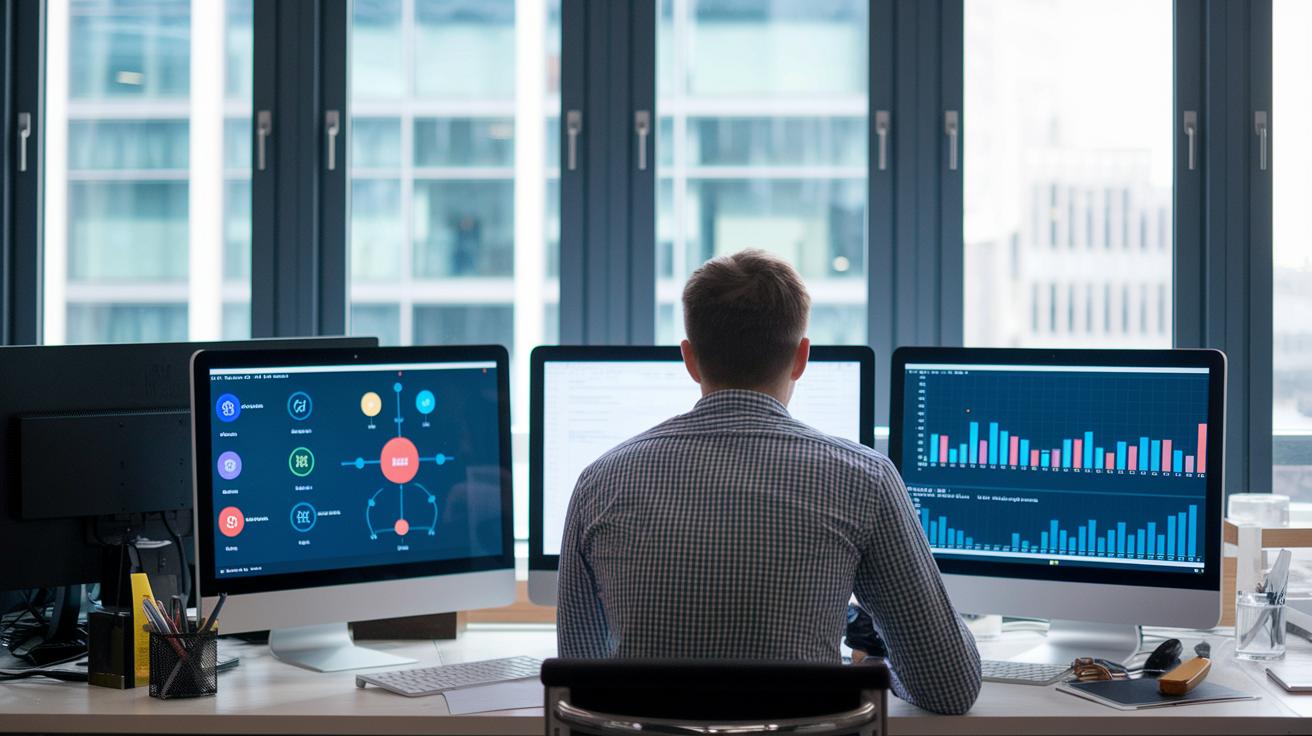
Promoting your event is all about getting the word out on every channel so no one misses the invite. Whether you’re dropping the event URL in newsletters, sharing regular updates on LinkedIn, or teaming up with partners to cross-post, you’re building a buzz that ramps up excitement before the live show. This mix not only pulls in a wider crowd but also helps you see who’s engaging and when. It’s like setting the stage with a series of exciting teasers that keep everyone curious.
Tracking what works lets you adjust your plan on the fly. If you notice your LinkedIn posts are getting more love than your email blasts, you can easily shift your focus to maximize that energy. It’s about keeping things fresh and effective from start to finish.
| Channel | Tactic |
|---|---|
| LinkedIn feed | Share the event URL with fun, engaging posts that invite conversation |
| Send out timely invites and reminders to a handpicked list | |
| Partner cross-posts | Work with partners to spread the word and reach fresh audiences |
Keep an eye on key numbers like live view count, peak attendance, engagement rate, and replay views. The live view count and peak attendance show you when the energy is at its highest, while the engagement rate reveals just how much your audience is connecting with your content. Plus, replay views help you figure out the lasting impact of the event.
By diving into these numbers, you can fine-tune your tactics for future sessions. Adjust your posting times, tweak your content, and sharpen your audience targeting so that each event does even better than the last.
LinkedIn Live Events: Advanced Case Studies and Broadcast Tools Comparison
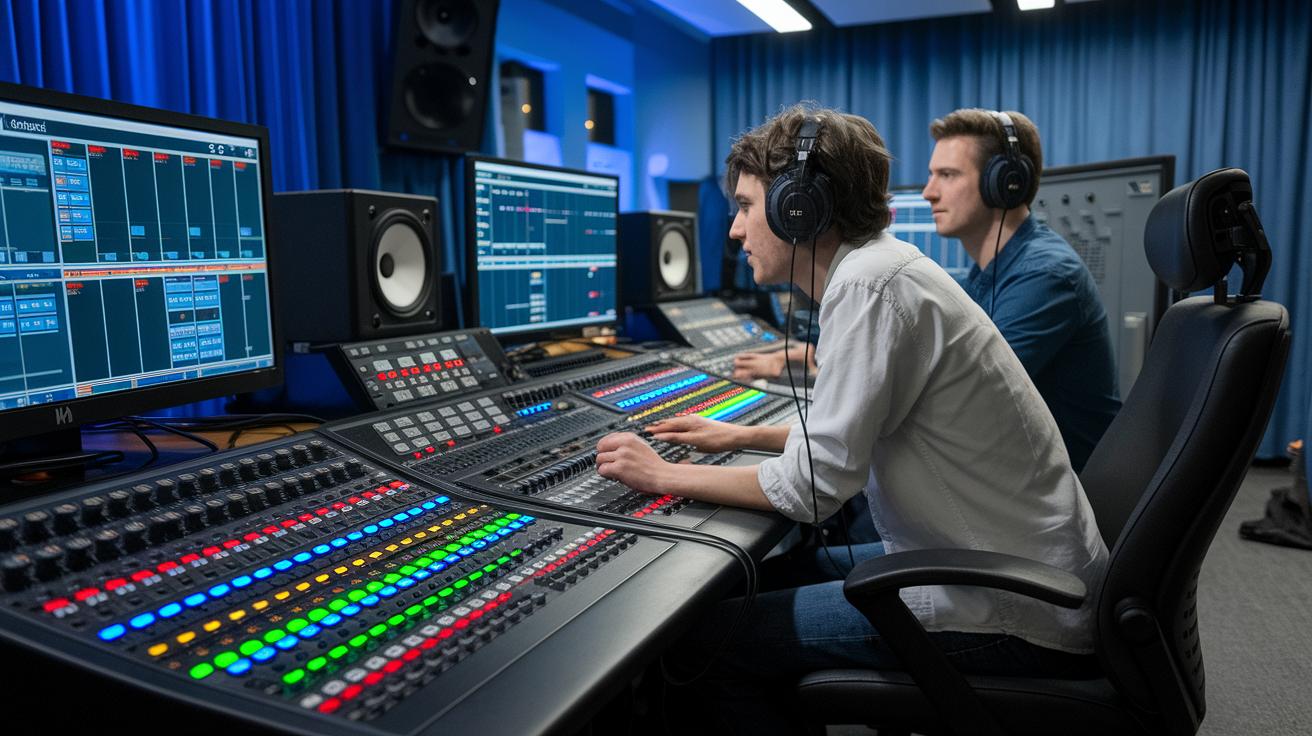
Looking at real-life examples really helps us see which tools work best for live broadcasts. One demo tool, for instance, boosted its return 5 times within a year, attracted over 300 leads at a 75% engagement rate, and saved more than 400 hours in prepping demos. This shows that picking the right tools can make everything run smoother and drive clear results.
AI-Driven Demo Creation Tool Case Study
A fresh case study on an AI demo tool gives us a peek at its quick impact. This tool not only earned fast returns by attracting new leads, but it also cut down the hours spent on setting up demos by a lot. Viewers loved how fast it got up and running, how easily it could be embedded, and how simple the design felt. Think of it as hitting a fast-forward button on your demo tasks, shifting hours of work into minutes. One happy user said, "It felt like pressing a shortcut button for productivity." This kind of feedback reminds us that a tool that saves time and works quickly can really boost live event engagement.
Streaming Software Comparison
When it comes to streaming software, three top players stand out. One tool wins for its easy-to-use design and smooth setup, another impresses with detailed tracking and custom options, and a third balances cost with good performance. Each tool brings something unique, whether it's simplicity, advanced features, or a friendly price tag. Some of these platforms even blend perfectly with professional settings like branded video production. That way, your streaming feels both cool and efficient.
| Tool | ROI | Engagement | Hours Saved |
|---|---|---|---|
| Tool A | 5× | 75% | 400+ |
| Tool B | 4× | 70% | 350+ |
| Tool C | 5× | 72% | 380+ |
When picking a tool, it's all about balancing cost, ease of use, and the special perks each platform offers. Check out the return on investment, real-time interaction, and the hours saved to create a more dynamic and fun live broadcast experience.
Final Words
In the action, we walked through all the key parts of making LinkedIn live events a hit, from setting up the stream, engaging your audience, and keeping the buzz post-show to tracking the event’s success. We highlighted the importance of a smooth setup and real-time interaction, while keeping things fun and professional. When you mix creativity with a bit of planning, LinkedIn live events shine, adding an extra spark to your entertainment experience. Enjoy every moment and keep that energy high.
FAQ
What are LinkedIn Live events?
The LinkedIn Live events are live broadcasts on LinkedIn that boost professional networking by allowing real-time interactions, discussions, and brand promotions that generate much more reactions and comments than standard posts.
Is LinkedIn Live still active?
The LinkedIn Live feature remains active and popular among professionals, offering real-time engagement and networking opportunities that help brands and talent reach and interact with wider audiences.
How can I join and attend a LinkedIn Live event?
Joining and attending a LinkedIn Live event is simple. You search for live events on LinkedIn, click on the event link, and follow the provided instructions to join the broadcast directly from your feed.
What are some examples of LinkedIn Live events?
LinkedIn Live event examples include product launches, panel discussions, Q&A sessions, and live interviews that drive high engagement, impressive reaction metrics, and boosted networking throughout the broadcast.
What are free LinkedIn Live events?
Free LinkedIn Live events are live broadcasts offered at no cost. They provide access to real-time professional insights, discussions, and networking opportunities without charging participants, helping grow larger audiences.
How do LinkedIn Live event ads function?
LinkedIn Live event ads work as promotional tools that display upcoming live sessions to a targeted audience. These ads help boost event visibility, attracting more attendees and increasing overall engagement during the broadcast.
What are effective LinkedIn Live streaming tools?
LinkedIn Live streaming tools are third-party software options that help stream live events smoothly. They simplify technical setups and improve broadcast quality, making live events more engaging and professional.
What is LinkedIn Live Studio used for?
LinkedIn Live Studio is a user-friendly tool that lets you stream live events directly from your device. It offers a straightforward setup, ensuring your broadcast is smooth and looks professional with minimal fuss.
What defines a LinkedIn Live webinar?
A LinkedIn Live webinar is a structured live online seminar that combines presentations with interactive Q&A sessions. It delivers educational content in real time and encourages audience participation across professional topics.
What are LinkedIn Live best practices?
LinkedIn Live best practices include planning content ahead of time, engaging viewers through live polls and Q&A sessions, using high-quality streaming tools, and promoting events through targeted notifications to maximize attendance and interactions.
