Have you ever noticed how some classes feel as fun as game night? Interactive media transforms studying into an experience where everyone joins in. It’s a lot like playing your favorite board game, where every move sparks a bit of excitement and wonder.
Instead of scribbling endless notes, students tap on touchscreens and take digital quizzes to explore ideas together. This shift turns lessons from plain to engaging, inviting everyone to get involved and share their thoughts. Let’s dive into how these methods make education not just smart, but downright enjoyable.
How Interactive Media Transforms Learner Engagement
Interactive learning turns a quiet lecture into a lively chat where teachers and students share ideas in real time. It’s kind of like setting up your favorite game, where every student gets to play a part. For example, think about this: in the old days, students would spend hours scribbling notes by hand, but now, drawing and solving problems on a touchscreen sparks several memory paths all at once.
By mixing in drawing, digital quizzes, and team challenges, interactive media makes lessons more fun and memorable. When students work together on puzzles or answer quick questions during videos, they aren’t just listening – they’re getting hands-on with the material. This way, they learn to think carefully about new ideas while also sharing their own insights.
These interactive platforms can match different learning styles, whether you learn best through pictures, sounds, or hands-on activities, and let everyone work at their own pace. In fact, over one million educators are already using these tools to create classrooms that feel more like exciting workshops. If you want to dive deeper into how this all works, check out what is interactive media at https://vasthysfriends.com?p=211.
Core Technologies Powering Interactive Media in Education
Interactive Videos
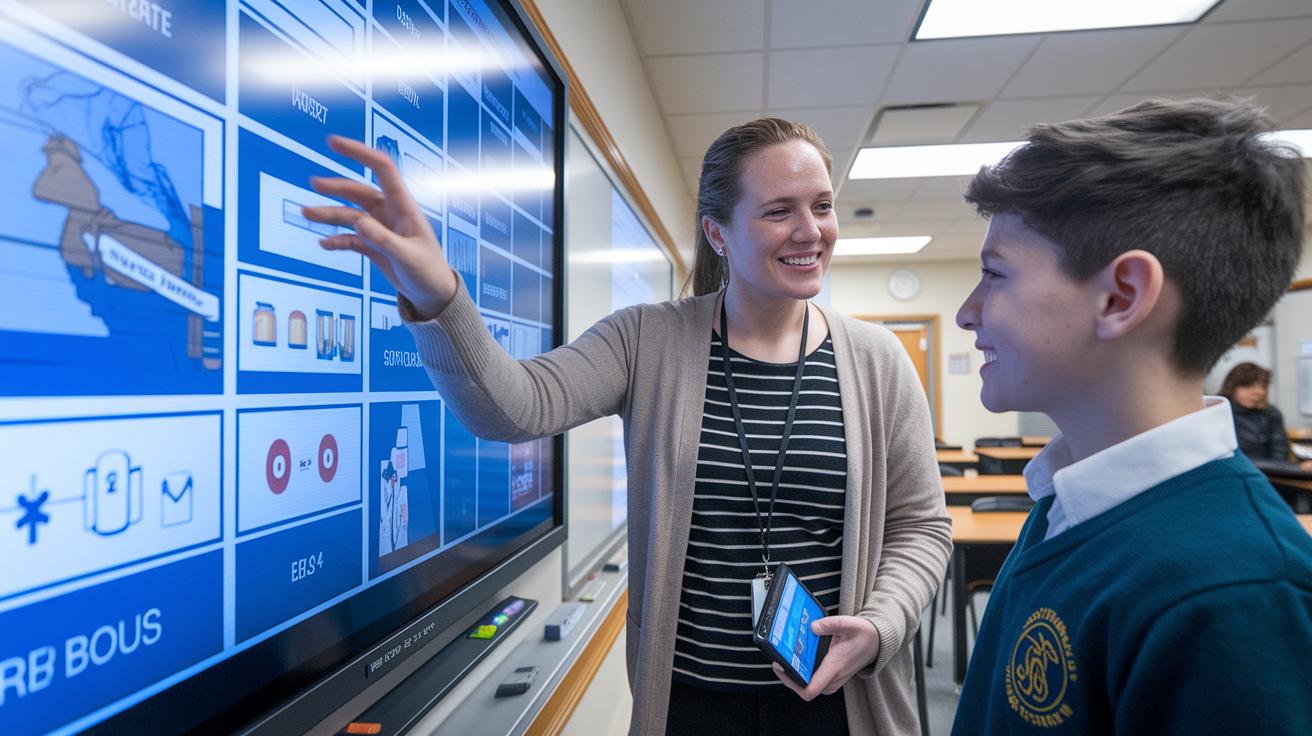
Teachers can add questions and fun hotspots right into video lessons. They might pause a video to ask, "What do you think happens next?" This turns watching into a lively, hands-on experience, just like playing a game.
Virtual Reality & Augmented Reality
Virtual reality and augmented reality let lessons pop to life in digital worlds. Tools like ClassVR and Eduverse metaverse classrooms are safe for kids and work on laptops, tablets, and phones. They help students step into history or science in a real, engaging way.
Interactive Simulations
Interactive simulations make learning feel like a game. For example, PhET Interactive Simulations from the University of Colorado Boulder offers free modules in subjects like physics, chemistry, biology, earth science, and math. It’s like having a lab on your screen where you can tweak settings and see changes right away.
Smart Whiteboards & Virtual Laboratories
Smart whiteboards are a hit in modern classrooms. The Vibe Board S1 comes in 55″ and 75″ sizes with a 4K touchscreen and 20-point touch features. It runs on ChromeOS with over 250 apps and has neat tools like handwriting-to-text conversion and shape correction, plus cloud saving. Virtual labs, like those from Labster at Arizona State University, give students a chance to do experiments safely in a digital setup.
| Technology | Key Features | Example Platform |
|---|---|---|
| Interactive Videos | Questions added in-line, fun hotspots, built-in assessments | Vimeo-like platforms |
| Virtual Reality & AR | Immersive digital worlds, multi-device support, safe for students | ClassVR, Eduverse |
| Interactive Simulations | Game-style modules, real-time adjustments, subject-focused | PhET Interactive Simulations |
| Smart Whiteboards | 4K touchscreens, multi-touch support, smart AI features | Vibe Board S1 |
| Virtual Laboratories | Digital experiments, safe simulation of labs, cloud storage | Labster |
Best Practices for Implementing Interactive Media
Interactive media sparks a fresh vibe in the classroom when teachers set clear goals and pick the tools that really work for them. Here are eight simple tips to help you get the most out of your digital teaching tools.
- Set clear learning goals. For example, say, "Students will use interactive tools to solve on-screen challenges." This makes what you want everyone to learn super clear.
- Choose media that meets your goals. Pick the platforms that support the kind of teaching tools you have in mind.
- Let creativity shine with fun multimedia projects. Ask your students to put together topic reports or create visual resumes that show off their ideas.
- Take virtual field trips. Give your students a chance to explore digital versions of real-world places.
- Create game-like scenarios. Use fun details like hidden clues, sound effects, and smart transitions to make problem-solving exciting.
- Try choice boards and interactive planners. These help arrange lessons in a way that everyone can follow easily.
- Mix live sessions with at-home projects. This blend lets you offer flexible learning that fits different schedules.
- Invest time in training and use real-time feedback. Educator training and simple analytics can help you see what’s working and adjust your teaching on the fly.
These tips are here to guide teachers and designers from planning to refining their interactive media projects, making learning fun and smooth for everyone involved.
Case Studies of Interactive Media in Educational Settings
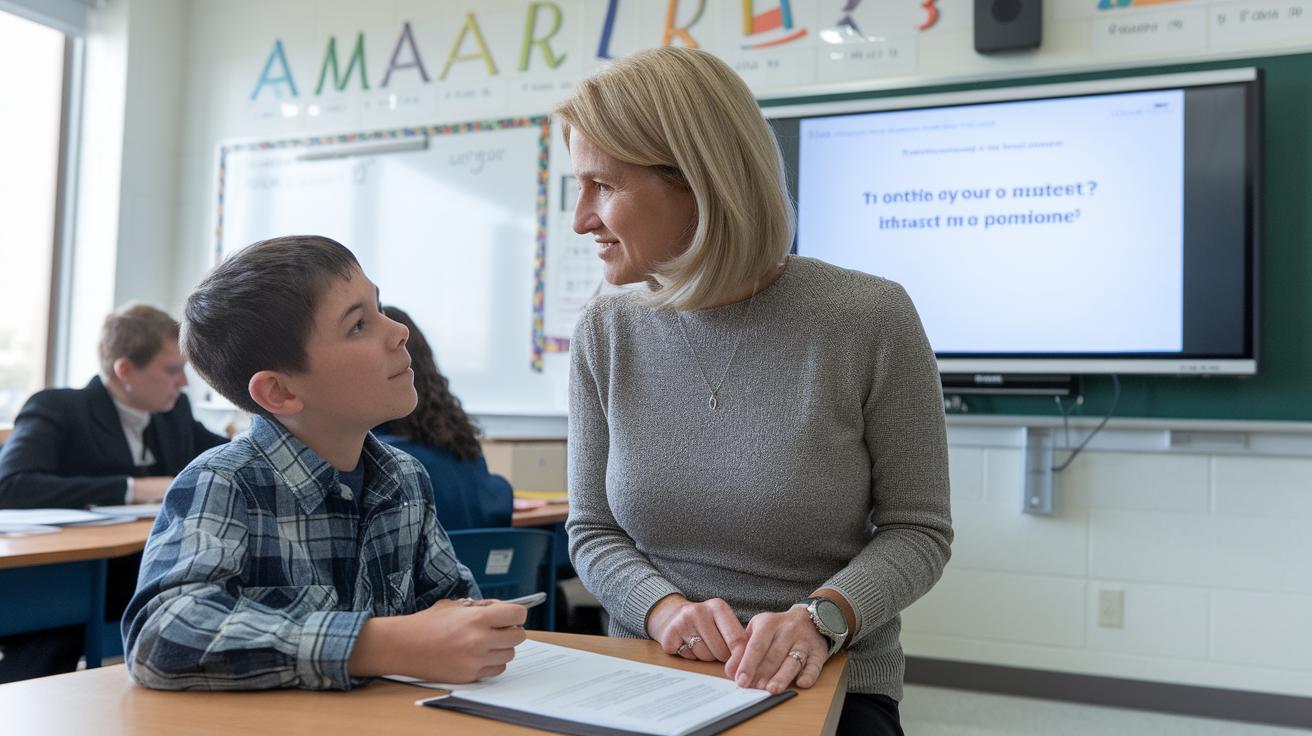
A growing number of schools are using interactive videos with built-in questions that really grab students' attention. Educators who use platforms similar to Vimeo have seen student participation spike whenever questions pop up during the video. One teacher shared, "When I paused the video to ask, 'What do you think happens next?' the room lit up with ideas," sparking some really lively discussions.
In 2017, ClassVR kits made their debut and brought safe, controlled virtual reality experiences to subjects like science and history. Many schools now see their students become more involved and able to connect what they learn in class with real-world events.
At the University of Colorado Boulder, PhET simulations have become a favorite in STEM classes. Thousands of students are diving into game-like modules in physics, chemistry, biology, earth science, and math. These hands-on tools let learners adjust variables and see results immediately, making tough topics a lot more approachable.
SMART Technologies’ Smartboards play a big part too. They let students work together through group annotations and instant sharing, which often sparks unexpected, creative discussions. Similarly, Labster’s virtual labs bring science experiments into the digital realm. With these labs, remote learners can perform chemistry and biology experiments without setting foot in a traditional lab.
Nearpod VR field trips take things a step further by taking students on virtual tours of famous global landmarks. These immersive 360° panoramas make geography and history lessons feel incredibly real. One class even remarked, "It feels like we’re really there," showing the genuine impact of these interactive media tools.
Measuring Engagement and Feedback in Interactive Media
Imagine being in a class where you can see exactly how students are doing right as the lesson unfolds. With digital polls, quick quizzes, and shared whiteboard notes, any confusion is spotted in real time. One teacher might ask, "Who can solve this problem?" and get answers within seconds, making it easy to tweak the lesson on the spot.
Live annotation and peer-review tools make sharing ideas fast and fun for everyone. These systems let teachers capture each student's thoughts as they come in. They keep track of stuff like click rates, quiz scores, and even heat maps that show where students focus most. One teacher said, "When I see a drop in participation, I know it's time to mix in a fun break."
Then there are analytics dashboards that combine lesson reports with extra data to show how well a lesson is working. This smart, data-driven method helps teachers adjust quickly and plan more captivating lessons for later. Quick polls and recorded answers offer instant feedback, making the class feel lively and interactive.
Overcoming Challenges in Integrating Interactive Media
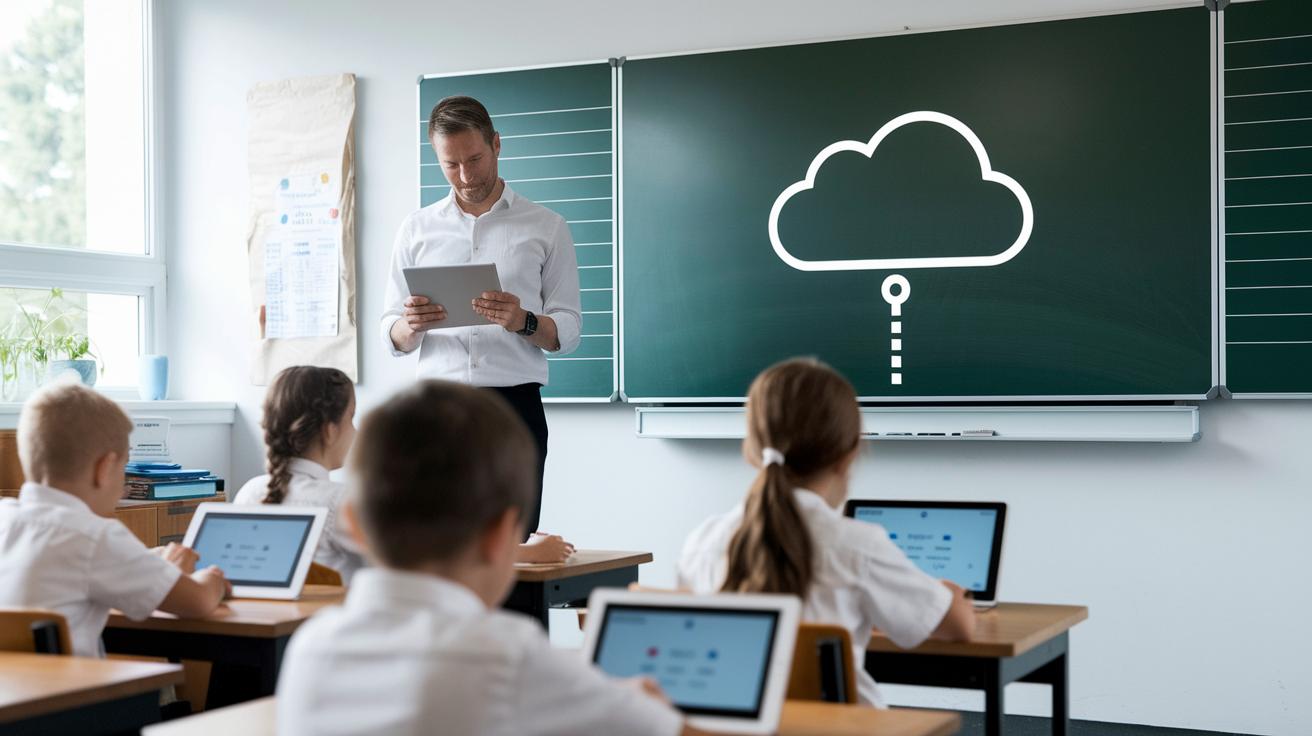
Schools often run into bumps when trying to bring new tech into the classroom. Budget limits mean it's tough to upgrade old systems or buy fresh hardware. Many teachers also need extra help getting comfortable with new tools. One smart move is to start out small in a pilot classroom so educators can test interactive media without a big leap.
Teachers appreciate when tech works across different devices, and cloud-based solutions can really cut down on hardware worries. Schools sometimes partner with edtech providers or apply for grants to ease the cost. It’s a bit like having a backstage pass to smoother integration.
Offering professional workshops gives teachers a confidence boost in navigating new tools. Peer coaching lets them swap quick tips, just like sharing a secret between friends. Using real-life examples in training makes it easier for staff to see how these tools can support everyday lessons.
Setting up a steady support system is key to keeping everyone comfortable as they learn the ropes. With these steps in place, schools can blend technology into lessons in a way that keeps both students and teachers excited about the journey.
Final Words
In the action, we explored how interactive media transforms learning by turning passive lectures into active exchanges. We covered tech like interactive videos, virtual and augmented reality, simulations, and smart whiteboards to engage different learning styles. We also shared practical tips for educators and real-life examples that bring the magic of interactive media for education and engagement to life. Every step showed that mixing tech and creativity sparks excitement and deepens understanding. Keep enjoying the ride and stay curious.
FAQ
Where can I find resources on interactive media for education and engagement (PDF, PPT, essay)?
The resources often come in different formats like PDF guides, PPT presentations, and essays. They detail interactive media strategies designed to help educators boost engagement and retention.
What are the three types of interactive media?
Interactive media typically includes interactive videos, interactive simulations, and immersive tools such as VR or AR experiences. These types encourage active participation and help create hands-on learning environments.
What is ICT used for in education?
ICT, or information and communications technology, is used to power digital collaboration, multimedia teaching, and interactive lessons. It makes classroom experiences more dynamic and accessible for everyone.
How do interactive teaching techniques enhance student engagement?
Interactive teaching techniques enhance engagement by turning lessons into hands-on activities with real-time feedback and collaborative problem-solving. This method supports critical thinking and makes classes more lively and memorable.
What is the primary role of interactive media in user engagement?
Interactive media drives user engagement by transforming passive content into experiences that invite real-time responses. It helps foster deeper learning and builds a stronger connection between users and the content.
