Ever thought storyboarding was just a bunch of messy pencil scribbles? Think again. Digital storyboarding is a lot more like crafting a perfect playlist for an unforgettable drive. You set up simple images to guide each scene and work together in real time, turning rough ideas into clear, lively plans.
In this guide, we'll show you how easy tools can add a spark to your story. Just a few clicks can change your creative vision into an engaging, well-organized tale. Enjoy the ride!
Key Principles of Storyboarding for Digital Storytelling: Ignite Flair
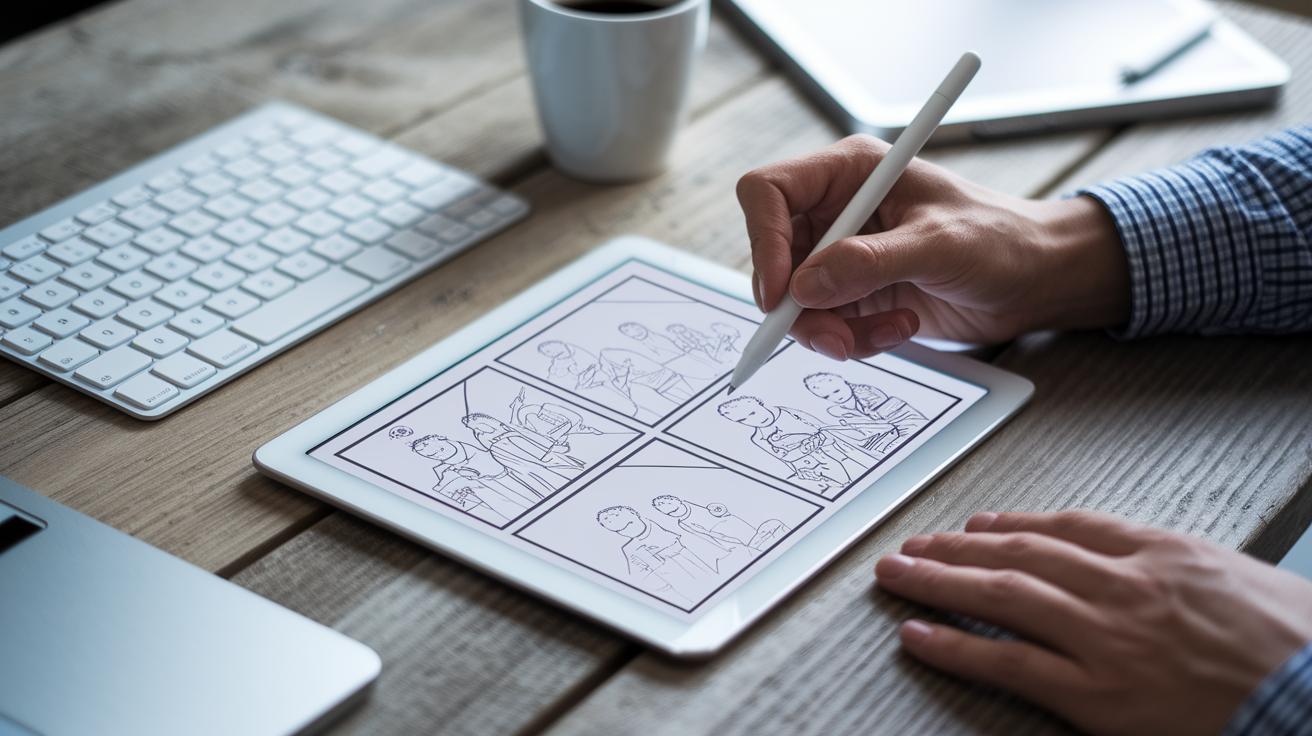
Digital storyboarding has really evolved from the old pencil and paper days. Today, digital tools let you update your work on the fly, share ideas instantly, and fine-tune each panel as you go. Fun fact: before these tools existed, creators spent hours reworking paper storyboards and made copies just to show their vision to the team.
Think of a digital storyboard like setting up your favorite road trip playlist. You start with an introduction that opens your world, build the story through exciting challenges in the middle, and end with a satisfying conclusion. With easy templates that mix text and images, you can quickly sketch out your story’s framework. Simple arrows guide you on camera moves and scene transitions, so it’s clear where each scene should go next.
One handy strategy is to draft a rough script first, then break it down into panels that highlight the key moments. Each frame acts as a building block in your digital tale that you can easily adjust with just a few clicks. Plus, real-time editing means you and your team can work together, updating details simultaneously to create a polished final product.
Every step, from early sketches to final tweaks, benefits from clear visual details and thoughtful design. This approach not only speeds up production but also turns brainstorming into a fun, collaborative adventure.
Storyboarding Process: Narrative Planning Techniques for Online Stories

Start by planning your story with a clear three-part structure: beginning, middle, and end. It’s like setting up an adventure with a setup, a conflict, and a resolution, imagine a city changed in a single brave moment.
Next, blend your initial ideas with a rough draft of key scenes. Draw each panel to capture the important moments in your script, showing the bump of tension before a conflict and the calm that follows once things settle down. Think of it like drawing a comic strip where every frame counts.
Then, review your panels to make sure visual hints like arrows and transitions guide the viewer smoothly from one scene to the next. Ask yourself, "Does this frame show the building tension?" or "Is the resolution clear enough?" Such small checks help keep the narrative flow looking natural.
Finally, kick things off with a neat fact: long before digital storytelling was huge, filmmakers used hand-drawn storyboards to plan every shot.
Storyboarding Visual Sequence Creation Methods for Digital Storytelling
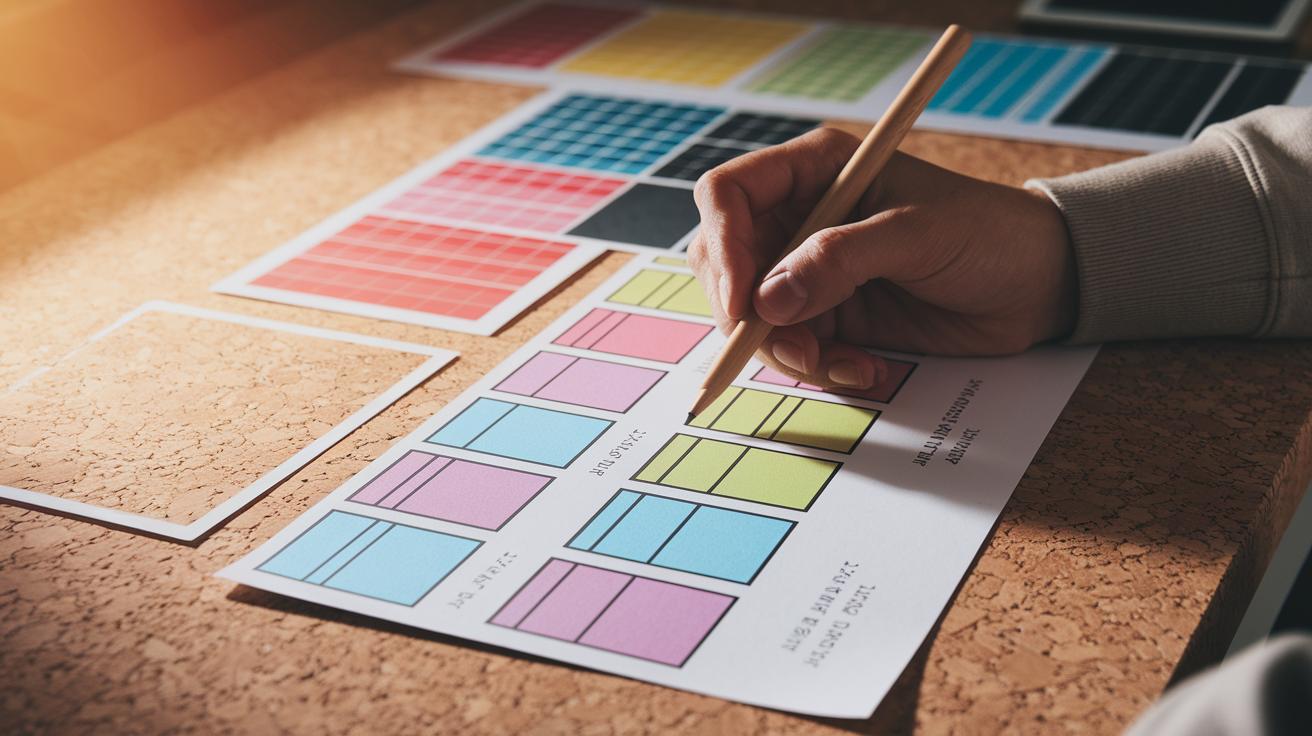
Visual sequencing is the heart of a great digital story. When you plan the order of shots, set up your framing, and pick your transitions, you create a unique visual language that helps your audience follow every twist and turn. Start with simple thumbnail sketches to jot down ideas quickly. For example, a rough sketch like "The hero’s bold entrance sparks immediate action" can instantly set the mood.
Color-coded panels are a smart way to sort scenes by mood or theme. Using different colors can show sudden changes in time or emotion. It’s like painting, each color tells a part of your story. Digital overlays add even more detail by controlling timing. Think of a faded overlay that hints at past memories or future surprises.
Flowcharts are also a handy tool to map out your plot. Draw a basic flowchart to see how one scene leads to the next. This simple visual guide makes sure the story flows naturally and spots where you might need extra details. Imagine it like drawing a roadmap for your favorite road trip.
Remember to include key story beats in every frame so that your narrative stays connected. Try these techniques as part of your process:
- Thumbnail sketches to capture early ideas
- Color-coded panels to show different moods
- Digital overlays to manage timing
- Flowcharts to link scenes and smooth transitions
| Technique | Description |
|---|---|
| Thumbnail Sketches | Simple drawings to map out ideas quickly |
| Color-Coded Panels | Using colors to signal mood or scene changes |
Using these visual sequence methods, your digital storyboard will not only plot the story well but also capture the energy and details of each scene perfectly.
Storyboarding Best Practices for Multimedia Plot Design in Digital Narratives

Start by breaking your storyboard into clear sections for different media. You can set aside areas for pictures, jot down video reminders, and mark where background music should play. This makes each element easy to move around or tweak later. A handy tip? Label each section with its role, like scene change or dialogue highlight. It's a bit like planning out a digital comic strip.
If your project invites audience participation, think about adding prompts. Maybe pop in a quick quiz or poll when the story hits a big moment. Something like, "What would you do in this situation?" can get viewers thinking about the scene.
Match every part of your storyboard with your story goals or lesson plans. Whether you’re crafting a movie script or an educational piece, this ensures that every picture, sound note, or video cue backs up your main message.
Key tips:
Keep your design simple and steady so your digital story grabs attention and guides your audience smoothly from scene to scene.
Storyboarding Tools: Animated Blueprint Development for Digital Storytelling

Digital tools like StudioBinder have really changed the game for creating storyboards. They let you build, update, and share your plans in real time. Imagine a drag-and-drop panel that puts your shots exactly where you want them. For example, you can drop a camera arrow on the board to show a smooth pan from left to right during an action scene.
These programs offer things that old-fashioned boards just can’t do. With live updates and version control (keeping track of changes), your team can work together seamlessly, adjusting every detail as needed. Think of it like using an animated template where each panel not only shows picture cues but also includes sound and timing hints. It’s like sketching a storyboard with the freedom to change things as your ideas grow.
Key features include:
- Drag-and-drop panels to easily rearrange your scenes
- Camera movement indicators to show shifts in focus or action
- Export options that make it simple to view your work on any device
Many users say these tools fit right into their editing workflows. The ready-made template libraries save time and let you focus more on arranging creative scenes. One user mentioned that updating scenes in real time helped keep their project consistent. This flexibility makes it easy to adjust your storyboard as new ideas come in during production.
Another cool part is how well it works for collaboration. Multiple team members can add comments and make changes so every shot is clear before you start filming. With these animated blueprints, every storyboard turns into a lively platform that sparks creativity and helps you achieve a polished, cinematic look.
Storyboarding Interactive Mapping Approaches for Scene Planning in Digital Storytelling

Interactive mapping changes digital storyboards from static panels into lively, connected canvases. Instead of just a picture, each panel becomes something you can tap to bring up extra details like script notes, character backgrounds, or video clips. Imagine tapping a frame and instantly seeing, "Our hero's secret is hidden in a worn diary." It's like uncovering a hidden clue right then and there.
Mind-map style templates make planning multiple plot twists a breeze. They let you branch out and show what happens if a character makes a different choice. And here's the fun part: many of these tools allow for real-time collaboration. Your team can jump in, add comments, or tweak notes as ideas flow, turning your storyboard into a living workspace full of creative energy.
Key interactive mapping ideas include:
- Interactive frames: panels that reveal extra details when clicked.
- Branching annotations: clear paths for different plot turns.
- Real-time collaboration: multiple people editing panels at once.
These strategies turn your storyboard into a flexible space where every scene has a clear purpose and room to grow. Check out digital storytelling examples to see how these dynamic techniques shine in real projects.
Final Words
in the action, the blog led us through setting up digital storyboards that capture visuals and plot flow. It showed how to craft shot sequences, mix media elements, and plan interactive scenes to form a complete narrative. The guide broke complex steps into friendly, manageable bits. By using storyboarding for digital storytelling, you can bring your ideas to life in a bold, fresh way. Embrace the process and enjoy creating engaging stories that leave a lasting impression.
FAQ
Storyboarding for digital storytelling template
The storyboarding for digital storytelling template is a ready-made layout that helps you plan scenes, combine visuals and dialogue, and organize your narrative clearly.
Storyboarding for digital storytelling pdf
The storyboarding for digital storytelling PDF offers a printable guide with sample layouts and step-by-step instructions. It helps you review your panels and share ideas easily on paper or digitally.
Storyboarding for digital storytelling free
The storyboarding for digital storytelling free resources provide no-cost tools and guides. They offer basic templates and clear instructions to help you plan and visualize your digital narrative quickly.
Storyboarding for digital storytelling examples
The storyboarding for digital storytelling examples show you sample layouts and visual guides. They help you understand how to arrange scenes, visuals, and notes for an engaging narrative setup.
Storyboarding for digital storytelling ppt
The storyboarding for digital storytelling PPT is a slide presentation that walks you through scene planning and design tips. It is great for sharing plans and collaborating on digital stories.
Storyboard template
The storyboard template is a prearranged format that organizes images, dialogue, and scene notes into panels. It makes it easier to visualize and arrange your story in a clear, step-by-step manner.
Storyboard script examples PDF
The storyboard script examples PDF offers visual samples aligning dialogue with scene images and notes. It serves as a quick guide to help you match your script with a planned visual sequence.
Canva storyboard
The Canva storyboard uses an online design tool to create, edit, and share visual story drafts. It offers drag-and-drop features and neat templates that make digital narrative planning simple and fun.
What are the 7 steps of digital storytelling and storyboarding?
The 7 steps for digital storytelling cover idea creation, script writing, storyboarding, recording, editing, sharing, and feedback. In storyboarding, this means sketching scenes, organizing flow, adding notes, and reviewing sequence for a clear narrative.
What is a storyboard in storytelling?
The storyboard in storytelling is a visual guide that maps out how scenes, dialogue, and actions will unfold. It combines sketches and notes to clearly plan your narrative step by step.
Why should we use storyboards for digital stories?
The reason to use storyboards for digital stories is to visually organize ideas and scenes before production. They help align dialogue with visuals and make teamwork on the project smoother.
