Ever wonder why so many people rush to watch Apple events live? It’s like catching lightning in a bottle when a new tech reveal unfolds right before your eyes.
We’re here to show you how to join in on the excitement. Just head over to apple.com or fire up the Apple TV app. Trust me, once you’re part of that crowd at 10:00 AM PT, every twist feels electric.
So, why not experience it for yourself? Grab a comfy seat and get ready for the live show that everyone can’t stop talking about.
How to Watch Apple Events Live
Curious about catching Apple’s live event? It’s really simple. At 10:00 AM PT, head over to apple.com or open the Apple TV app on your device to join in on the excitement. Just follow these easy steps to get started:
-
Visit apple.com or launch your Apple TV app. For example, simply click on the video feed when you’re on apple.com and you’re in the live stream.
-
Check your device to make sure it’s up to the task. If you’re on a Mac, use Safari version 14 or later with macOS Big Sur or newer. Windows users can rely on Chrome (version 80 or higher), Edge, or other supported browsers on Windows 10 or later. For mobile friends, your iPhone or iPad should be running iOS 14 or above, and those tuning in on an Apple TV need tvOS 14 or newer.
-
Update your apps if needed. A quick visit to the App Store to get the latest version of the Apple TV app on your device can save you from any last-minute hiccups.
-
Sign in if asked. Some devices might require you to log in with your Apple ID to enjoy extra perks like subtitles in different languages and sharp 1080p quality streaming.
While you watch, join in on the social-media conversation using #AppleEvent. It’s a fun way to see live tweets and YouTube threads, share your thoughts, and feel the buzz with fellow viewers.
The keynote usually lasts between 60 and 120 minutes, so set aside some time to soak in every moment. Enjoy the live updates and get ready for an engaging experience!
Apple Events Live Schedule Overview

Apple never fails to keep its fans excited with a lineup of four standout live events every year. In early spring, around March or April, they kick things off with an event that gives us a peek at cool accessories and some unexpected hardware treats. Then in June, WWDC fires up at 10:00 AM PT, letting developers dive into new software and tools live.
Come September, on a Tuesday, everyone’s buzzing about the iPhone event, marking calendars for a fresh drop in the iPhone family and smart upgrades. And in October, the Mac and iPad event steps in to refresh what we can expect from laptops, tablets, and more. Each keynote runs for about 90 minutes, giving us plenty of time for detailed previews and interactive moments.
| Event | Date | Expected Announcements |
|---|---|---|
| Spring Event | Mar/Apr (e.g., Mar 30, 2023) | Accessories, Home Devices & more |
| WWDC | Jun (e.g., Jun 5–9, 2023) | Software updates, Developer tools |
| iPhone Event | Sep (e.g., Sep 12, 2023) | New iPhone models, Smart innovations |
| Mac/iPad Event | Oct (e.g., Oct 30, 2023) | New MacBook, iPad Pro enhancements |
So, mark your calendars and get ready for a live digital show packed with cool updates and surprises.
Apple Events Live Streaming Compatibility
Before the event kicks off, make sure your device and internet are set up just right. Here’s the lowdown: If you're watching on an iPhone or iPad, you need iOS 14 or newer. On a Mac? Use Safari version 14 or above with Big Sur or later. For PC fans, Chrome or Edge on Windows 10 (or later) will do the trick. And if you’re using an Apple TV 4K, it should be running tvOS 14 or higher.
A steady internet connection is a must-have. For a smooth 720p view, aim for at least 5 Mbps. Want better clarity at 1080p? Try for 10 Mbps. And if you're dreaming of 4K, you'll need your Apple TV 4K hooked up with an HDMI 2.0 cable.
The stream uses the H.264 video codec (a tool that keeps everything clear while saving data) and smart adaptive bitrate streaming. That means if your internet slows down a bit, the quality might drop a notch to keep things running smoothly. This way, you won't miss a moment of the action even when your connection has its ups and downs.
Essential Streaming Tech for Apple Events Live

Adaptive streaming runs the show behind Apple live events, and it all kicks off with HLS (HTTP Live Streaming). HLS lets Apple deliver six different bitrate options using a clever system that automatically shifts between 720p and 1080p. Imagine watching a soccer game and seeing the picture instantly adjust as you move around.
Apple also uses a solid CDN (Content Delivery Network) that keeps delays under 200 ms. In simple terms, the signal races from the server to your screen so quickly that the live action feels as if you're right there in the crowd.
For the best viewing experience, here are a few handy tips. Use a wired Ethernet connection to get a steady signal. Try pairing your stream with an SSD-based Mac for smoother performance. And if you're planning to record locally, make sure you have a good HDMI capture card to catch every detail.
Plus, Apple’s streaming system features smart server-side load balancing. This means the servers spread out the demand evenly so the stream stays smooth, even during busy moments. With HLS, a fast CDN, and these practical tech tips, you can enjoy live events that feel as immediate and thrilling as being front row.
apple events live: Thrilling Real-Time Action
Apple's live stream turns every event into a fun, interactive experience that makes you feel the thrill right away. It’s like being in the room with all the excitement and energy. Ever wanted to ask a burning question or see what others are thinking? Here’s how you join in:
- Live chat Q&A – Jump into the chat on the Apple TV app, type your question, and upvote the ones that catch your eye. Imagine saying, "I’ve been waiting to ask about the new display features!"
- Interactive polls – Head over to apple.com and cast your vote while watching real-time results pop up. It’s a quick way to join the crowd’s reaction.
- AR product demos – Use the official Event app to explore cool augmented reality demos. It really feels like the products are right in front of you.
- Hashtag tracking on Twitter – Follow #AppleEvent to see around 15k tweets each minute. It’s a buzzing online party where everyone is sharing their thoughts.
- Post-event surveys – After the show, share your impressions. It gives you a moment to reflect on what you saw and helps shape what comes next.
Each of these features ups the excitement and feeds into Apple’s event dashboard, making sure that every live update is even better than the last.
Apple Events Live Troubleshooting Guide
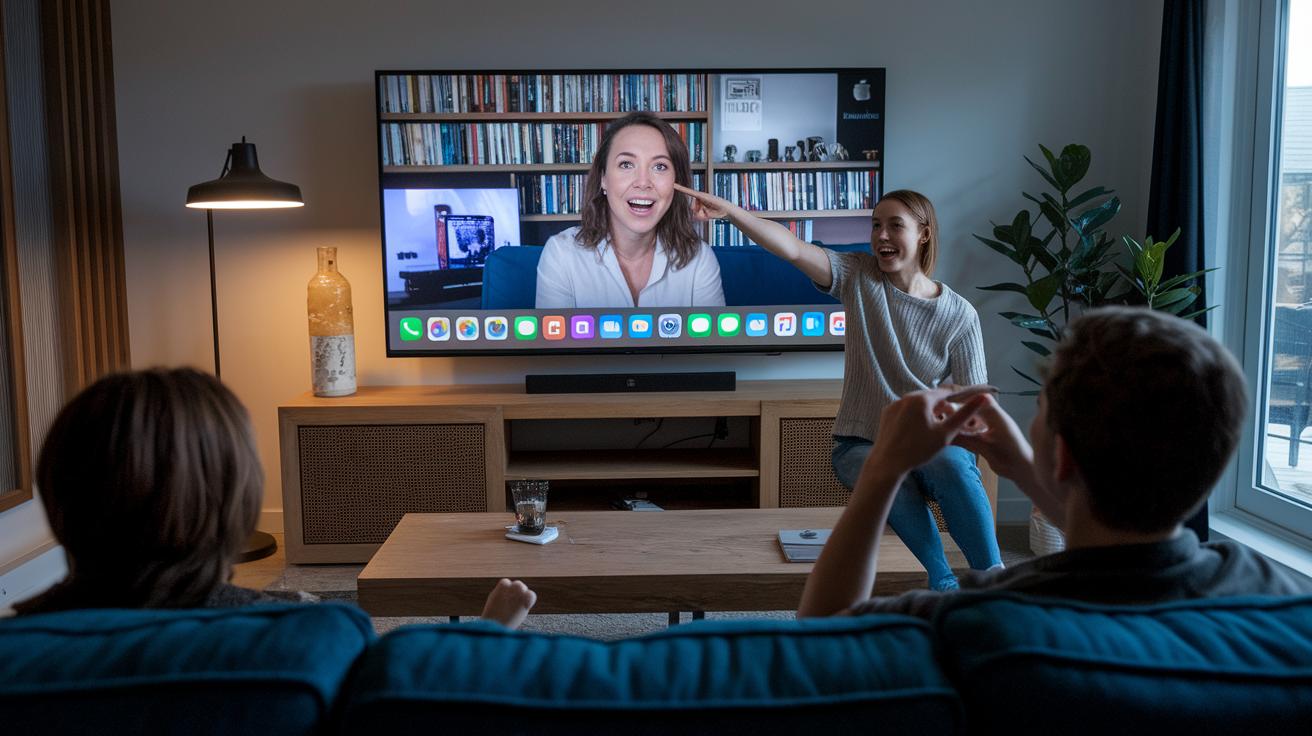
When you're watching an Apple live event, you might sometimes see a quick "Buffering…" message or run into issues like the video getting out of sync, DNS problems (which help direct your internet traffic), or even firewall blocks on certain ports such as 80 and 443. Geo-blocking can also keep you from enjoying the stream. Imagine watching a keynote when suddenly the video stutters because your connection dropped below 5 Mbps. It can be really annoying when these glitches happen.
Try these simple fixes to get things running smoothly again:
- Switch to a wired Ethernet connection to boost stability.
- Clear your DNS cache to remove old data.
- Update your browser so it runs the latest version.
- Turn off your VPN to avoid geo-blocks.
- Change your DNS server to speed things up.
- Use Apple’s fallback HLS link for an alternative stream.
If none of these tips work, don’t hesitate to reach out to Apple Support for more help.
Apple Events Live: Key Product Reveal Highlights
Apple wowed everyone with some really cool new features that sparked plenty of chatter. They kicked things off by unveiling the iPhone 16, packed with the A18 Bionic chip for mind-blowing speed and performance. Then came the debut of the Apple Watch Series 9, showing off a sleek new design. The M3 MacBook Pro impressed folks with faster processing and a battery that really goes the distance, while the Vision Pro headset opened up a glimpse into a whole new digital world. The event hit about 1.2 million live viewers, and during the most exciting moments, chat messages hit roughly 15,000 per minute. With the whole show lasting around 98 minutes, it was packed with energy and surprises.
- iPhone 16 with A18 Bionic – Picture scrolling through your feed and seeing a tweet that says, "The new iPhone’s speed is unreal!"
- Apple Watch Series 9 – Imagine thousands of fans reacting to its fresh, sleek design as messages fly in.
- M3 MacBook Pro – The announcement of performance boosts got an enthusiastic cheer from everyone watching.
- Vision Pro headset – The demo of its AR/VR features had live chat buzzing with excited messages.
- Interactive Q&A session – Real-time questions and answers kept the vibe electric, with fans staying actively engaged.
These highlights show just how much Apple's live reveals get people excited. The real-time numbers not only demonstrate how connected the viewers were but also shine a light on which parts of the event hit home the most. Each reveal added its own spark to the overall impact, making the live event a must-see spectacle for tech fans everywhere.
Final Words
in the action, you discovered how to catch apple events live step-by-step. We broke down setting up devices, checking event schedules, and joining interactive chats, all in clear, simple language.
You now have the tips for getting the most out of the live stream, from tech requirements to troubleshooting common issues. Enjoy the thrill of live keynotes and exclusive product reveals while engaging with fellow fans. Embrace every moment of this exciting experience and have fun exploring what comes next!
FAQ
What does Apple event 2025 or an upcoming Apple event refer to?
The phrase Apple event 2025 or an upcoming Apple event refers to Apple’s scheduled live showcase where they reveal new products, usually streamed at 10:00 AM PT on apple.com and the Apple TV app.
What does Apple event today mean?
When you see Apple event today, it means the live broadcast is currently in progress on supported devices like Safari, Chrome, and the Apple TV app, letting you watch new announcements in real time.
How can I follow Apple event live updates and countdown?
Apple event live updates and countdown features offer real-time social media feeds, live chats, and countdown timers on apple.com and the Apple TV app, keeping you informed as the event unfolds.
What does Apple event February 2025 indicate?
Apple event February 2025 hints at an early-year Apple showcase. You can check Apple’s official website for confirmed dates and details closer to the event time.
What does Apple event 2025 time signify?
The term Apple event 2025 time indicates when the live broadcast is scheduled to begin, typically at 10:00 AM PT, so you know when to tune in for the live stream.
What are Apple classes in-store?
Apple classes in-store are free sessions held at Apple retail locations where you can learn about Apple products, apps, and services, often requiring an advance booking online.
Where can I watch Apple events live?
You can watch Apple events live on apple.com and the Apple TV app, which work on browsers like Safari, Chrome, and Edge, plus devices running iOS 14 or later, macOS Big Sur, and Windows 10 or later.
Are Apple events live or recorded?
Apple events are broadcast live with interactive elements, and later the recordings become available for on-demand viewing on Apple’s website and the Apple TV app.
What is Apple announcing on June 9th?
When referring to June 9th, it typically means the WWDC keynote where Apple shares major software updates and sometimes new hardware details; check Apple’s official announcements for exact information.
Does Apple News offer live activities?
Apple News provides live activities during events by featuring real-time updates, interactive sessions, and social media feeds, keeping you connected and informed as the event happens.
