Have you ever thought about how digital storytelling can turn a boring lesson into an exciting, interactive adventure? Picture plain slides transforming into vibrant scenes that grab your attention and spark fresh ideas.
Digital storytelling tools are making waves by offering easy-to-use methods that blend pictures, words, and sounds. They work for everyone – from students and teachers to creative pros and marketers. In this post, we’ll take a closer look at the best platforms that help you build lively narratives and bring your ideas to life in a fun, new way.
Comparing Top Digital Storytelling Platforms for Diverse Users
Digital storytelling has changed a lot in recent years. We used to rely on custom website designs, but now we have ready-made, platform-based solutions. For teachers and students, there are free websites and apps that help bring stories to life. Tools like the ACMI Generator and Adobe Slate let educators create lessons with interactive storytelling. Think about it, before using platforms with scroll animations, classrooms stuck with plain, static slides. These free options come with easy-to-use layouts and simple sharing tools that make planning lessons a breeze.
Interactive software suites are designed for creative pros and marketing teams. They pack in cool features like built-in animations, quality check tools for various devices, and on-brand styling. Ever wish your website could look perfect on every screen? Imagine a tool that does just that, automatically adapting your content to fit any device you use. With flexible publishing choices and trial options, these platforms give you the freedom to experiment while getting solid support when needed. Marketers can craft dynamic websites with branching stories, and creative professionals enjoy robust multimedia editing.
In the end, these platforms are all about keeping digital stories fresh, fun, and easy to share, whether you're in the classroom or launching a big campaign.
Educational Storytelling Platforms: Free and Classroom-Focused Solutions
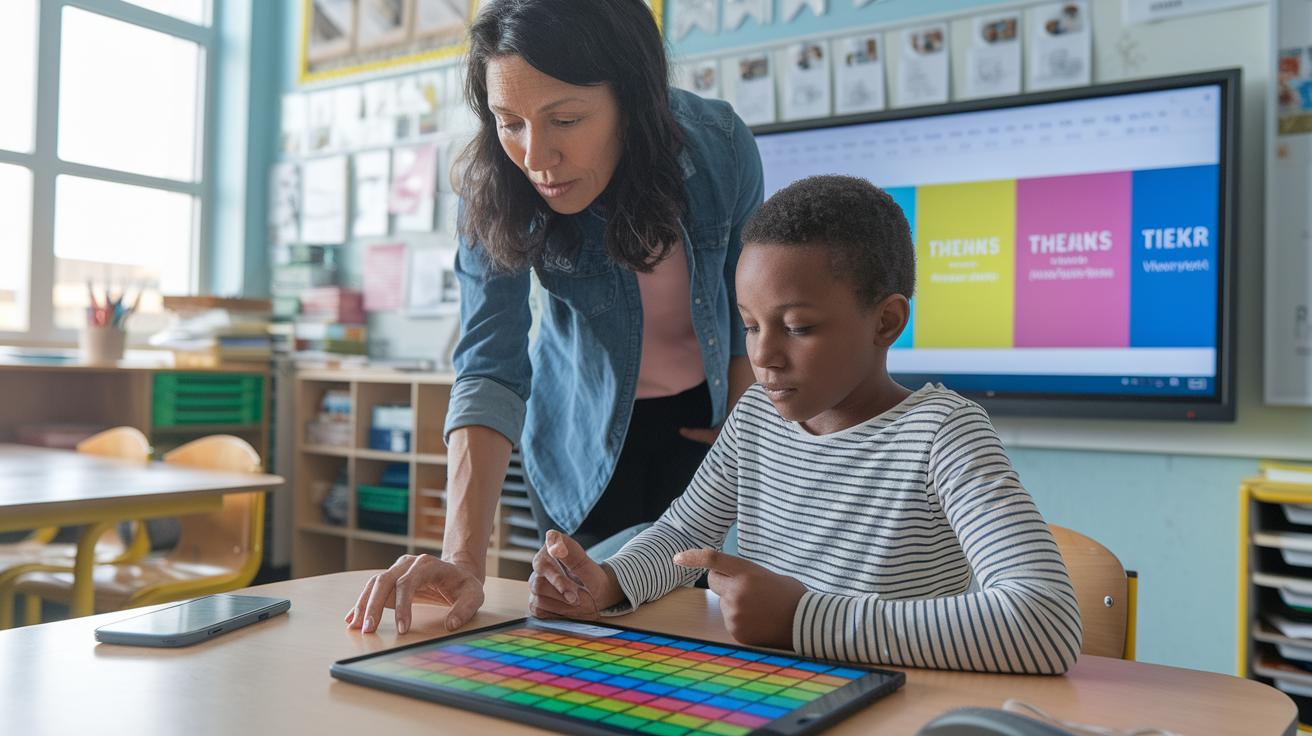
Free digital storytelling platforms help teachers and students mix pictures, words, and sounds in a snap. For example, the ACMI Generator offers a neat storyboard tool with classroom themes that lets users blend media easily. I mean, imagine a class project coming to life as students piece together images and dialogue like creating their own comic book, it’s really cool.
Teacher-friendly media servers in classrooms make sharing easy and let content flow smoothly. Take Adobe Slate, for instance; it shows off magazine-style layouts with built-in fonts that work great on any device. These free storytelling hubs and student narrative tools make tough ideas easier to understand while encouraging lots of creative self-expression.
Feature Spotlight: Interactive and Multimedia Storytelling Apps
Digital storytelling is getting a cool upgrade, mixing videos, graphics, and interactive bits that pull you right into the tale. Take Vimeo Interactive Video, for example. It lets creators add clickable spots and different paths so you can decide how the story unfolds. Ever tapped on a highlighted area and flipped the scene like turning a page in your favorite comic?
Then there’s Infogram. It turns plain data into lively visual stories. Imagine looking at numbers that suddenly become a colorful, dynamic infographic. It’s like watching boring charts transform into living art.
Moovly offers a fun toolkit for animations and explainer videos. It mixes text, images, and sounds in a smooth way, so building a project feels like putting together a moving picture. And if you need some creative inspo, check out the multimedia productions for ideas on cross-platform projects.
Visme gives you ready-made design templates that make each slide feel like a page from a graphic novel. It’s simple to create something that pops with personality.
Storyboard That lets you drag and drop elements to quickly create storyboards, while Storybird pairs text with illustrations to spark creative narratives. Think of it like crafting your own illustrated lesson where each frame pushes the story forward.
Premium Digital Narrative Studios for Marketing and Branding

Marketing teams now get to dive into a world of digital storytelling that feels like crafting your very own adventure. These top platforms let you build tailored stories that boost your brand and really connect with your audience.
Skyword is a clear favorite here. It connects businesses with expert creators using a handy marketplace. With easy tools for planning campaigns and weaving visual stories, you can, for example, launch a project where every detail speaks to your brand. Instead of spending weeks on a script, teams now turn ideas into smooth, ready-to-go experiences in just a few days.
Uberflip steps up with custom B2B microsites that pack in lively, personalized content. These pages speak directly to your audience, sparking more interest and driving better results. Shorthand makes it super simple to design stunning story pages that adjust perfectly to any screen, ensuring your content always grabs attention.
Then there’s Eko Studio. They offer a free, interactive film builder that helps you put together video stories with straightforward, clickable elements. Meanwhile, Intractive gears its efforts toward Gen Z by swapping out plain landing pages for engaging, interactive sites. Each of these studios is built for easy setup, real personalization, and smooth sharing. This means you can focus on telling stories that truly resonate while quickly reaching your audience with clear, dynamic messages.
Selecting the Right Digital Storytelling Platform: Key Considerations
When you're checking out a new digital storytelling platform, it's smart to see if its features match your creative flow and project needs. Instead of drowning in a list of features, here are some friendly tips to guide you.
First off, make sure the design works well on both your phone and desktop. Try it out on your phone, if the images or layout move around in a weird way, it might not be the best match.
Another idea is to use the trial option. Give the platform a spin before you commit, just to see if it brings your story to life the way you want. And while you're experimenting, think about if its custom styling tools can really match your brand.
Don't forget to check the support that comes with it. Ask yourself if you’ll have quick help from tech or editorial experts when you need a boost.
Also, you might want to decide if a no-code tool will work for you, or if you need more advanced features that let you fiddle with every little detail.
| Decision Tip | Example Consideration |
|---|---|
| Responsive Design | Test on different devices for consistent visuals |
| Trial Option | Experience the platform before committing |
| Support Availability | Check for timely tech and editorial guidance |
- Review how each point fits your unique workflow.
- Find the right balance between creative control and ease of use.
Real-World Examples: Digital Storytelling Success Cases

Knight Lab's interactive journalism tools help college students bring stories to life. In one university news class, students reported campus events in a way that really pulled viewers into the action. One student said it felt like they were part of the experience rather than just reading about it.
High school projects shine too. Many schools now weave digital storytelling into their lessons with tools like the ACMI Generator. Teachers set up projects where students create their own multimedia portfolios. Imagine a class where every student pieces together images, sound, and text to craft a digital scrapbook of a school event.
A marketing case study with Shorthand’s scrollytelling shows just how engaging dynamic layouts can be. As viewers scrolled through a mix of high-quality visuals and text, the audience got hooked. One campaign even saw a big spike in engagement when the story unfolded right before their eyes.
Here are some project types reported from various institutions:
- High school assignments that mix classroom lessons with creative digital projects.
- College projects where news is turned into interactive digital stories.
- Student multimedia projects that blend art, text, and audio for personal expression.
- Digital showcases that highlight community stories and partner program results.
| Platform | Project Type | Result |
|---|---|---|
| Knight Lab Tools | College Journalism | Increased engagement |
| ACMI Generator | High School Portfolios | Enhanced creativity |
Each of these examples shows how digital storytelling sparks creative narratives in both education and media.
Final Words
in the action, we explored a range of digital storytelling platforms. We checked out free classroom tools, interactive apps, and premium studios that bring content to life. The post highlighted options with responsive layouts, native animations, and flexible publishing modes. It painted a clear picture of how these platforms spark imagination for educators, creatives, and marketing teams alike. Digital storytelling platforms make it simple to share narratives that connect and excite. Here's to endless creative projects ahead!
FAQ
What are some free digital storytelling platforms for educators and students?
The free digital storytelling platforms offer tools and apps that cater to classroom projects and personal creativity. They provide easy editing interfaces, multimedia uploads, and sharing options for students and teachers.
What are digital storytelling examples?
Digital storytelling examples include interactive websites, animated videos, and multimedia presentations that mix text, images, sound, and video to tell engaging stories in creative ways.
What is digital storytelling?
Digital storytelling means using digital media like photos, videos, text, and sounds to create and share engaging stories, making ideas and experiences more interactive and vivid.
What are the 5 C’s of storytelling?
The 5 C’s of storytelling refer to character, conflict, context, cadence, and clarity. These elements help shape engaging, well-structured narratives that capture attention.
What is the AI tool for digital storytelling?
The AI tool for digital storytelling is a software solution that assists in designing layouts, organizing media, and automating parts of the creative process to simplify building digital narratives.
What are the 7 steps of digital storytelling?
The 7 steps of digital storytelling include planning, scripting, gathering media, organizing content, editing, publishing, and reviewing. This sequence offers a clear framework for crafting strong digital narratives.
